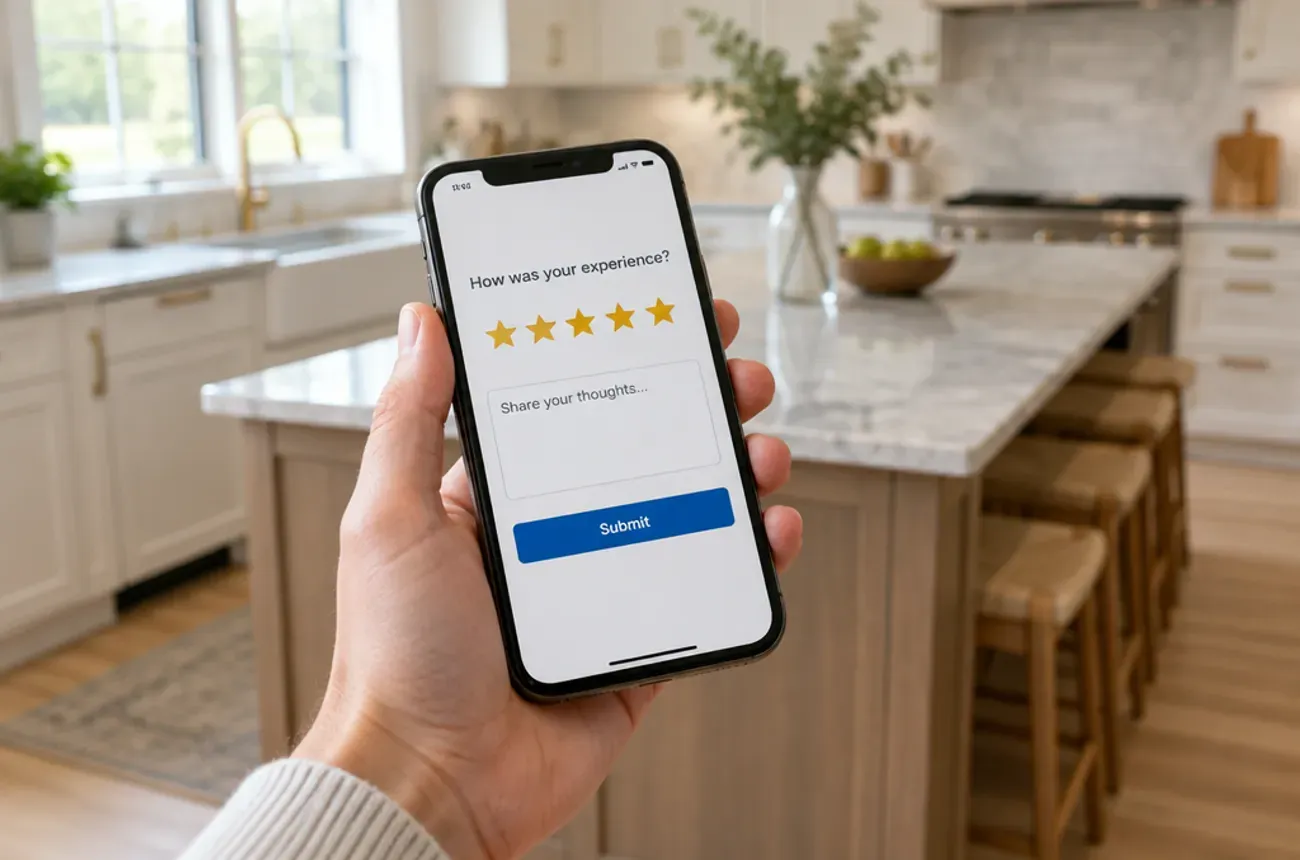
To get more Google reviews as a contractor, ask every customer at the moment they’re happiest, usually right after the final walkthrough, and make it a one-tap link sent by text the same day. Then reply to every review you get. For many contractors, the gap isn’t a shortage of happy customers; it’s that nobody asks them.
This guide covers when to ask, how to make it easy, what to say, and the rules you can’t break.
Set up your Google Business Profile first
Reviews only help if the profile they land on is complete:
- Claim and verify your Google Business Profile.
- Pick the right primary category, such as remodeler or general contractor, and add the services you offer.
- Set your service area to the towns you actually work in.
- Add real photos of finished jobs, your team, and your trucks. Before-and-after shots work well.
- Keep hours and contact details current.
- Copy your review link from the profile. That link is what you’ll send customers.
When to ask
Ask at the high point of the job, not weeks later:
| Moment | Why it works |
|---|---|
| Right after the final walkthrough | The homeowner has just seen the finished work |
| When the final payment clears | The job is closed and the relationship is good |
| After you fix a problem well | A quick, fair fix often earns a strong review |
| When a homeowner compliments the work | They’ve already said it; ask them to write it down |
Make it easy
- Send the direct review link by text the same day. Every extra tap loses reviewers.
- Bring a card with a QR code to the final walkthrough.
- Ask in person first, then send the link: “Would you mind leaving us a quick Google review? I’ll text you the link.”
- Follow up once, about a week later, if they haven’t left one. Then stop.
Text template
Hi [Name], thanks again for trusting [Company] with your [kitchen]. If you have a minute, a Google review would really help us: [link]. Thank you!
Reply to every review
- Thank positive reviewers by name and mention the project.
- Answer negative reviews calmly, take responsibility for what was yours, and offer to talk offline.
- Never argue in public. Future customers read your replies more closely than the review.
The rules you can’t break
The FTC’s rule on consumer reviews and testimonials, in effect since October 21, 2024, bans fake reviews, reviews from insiders that don’t disclose their connection, suppressing negative reviews while implying you show them all, and offering incentives for reviews that express a particular sentiment (Goodwin; Alston & Bird). The FTC can seek civil penalties for each violation.
Google’s own review policies go further, so in practice:
- Don’t offer anything in exchange for reviews, such as discounts, gift cards, or entries into a drawing.
- Don’t ask only happy customers. Asking everyone is both fair and safer.
- Don’t write reviews for yourself or have family and employees post them.
- Don’t buy reviews or use services that promise them.
Breaking these rules can get reviews removed, your profile restricted, or worse.
Where MotionOps fits
MotionOps helps you ask at the right moment, for contractors whose jobs run for days or weeks:
- Texts and emails sent from the job, so the review request goes out the day the job closes
- Photos on each job, ready for your Google Business Profile
- Invoices and payments, so you know when the final payment clears and it’s time to ask
Try MotionOps free for 14 days and send your next review request from it.