
Deck builder software that prices the rotted ledger before you fix it.
Measured estimates, material costs and deposits, on a house that doesn't always match the plan. MotionOps is deck builder software that gets the change signed before the extra work, bills the materials and won't let a job close until it's paid.
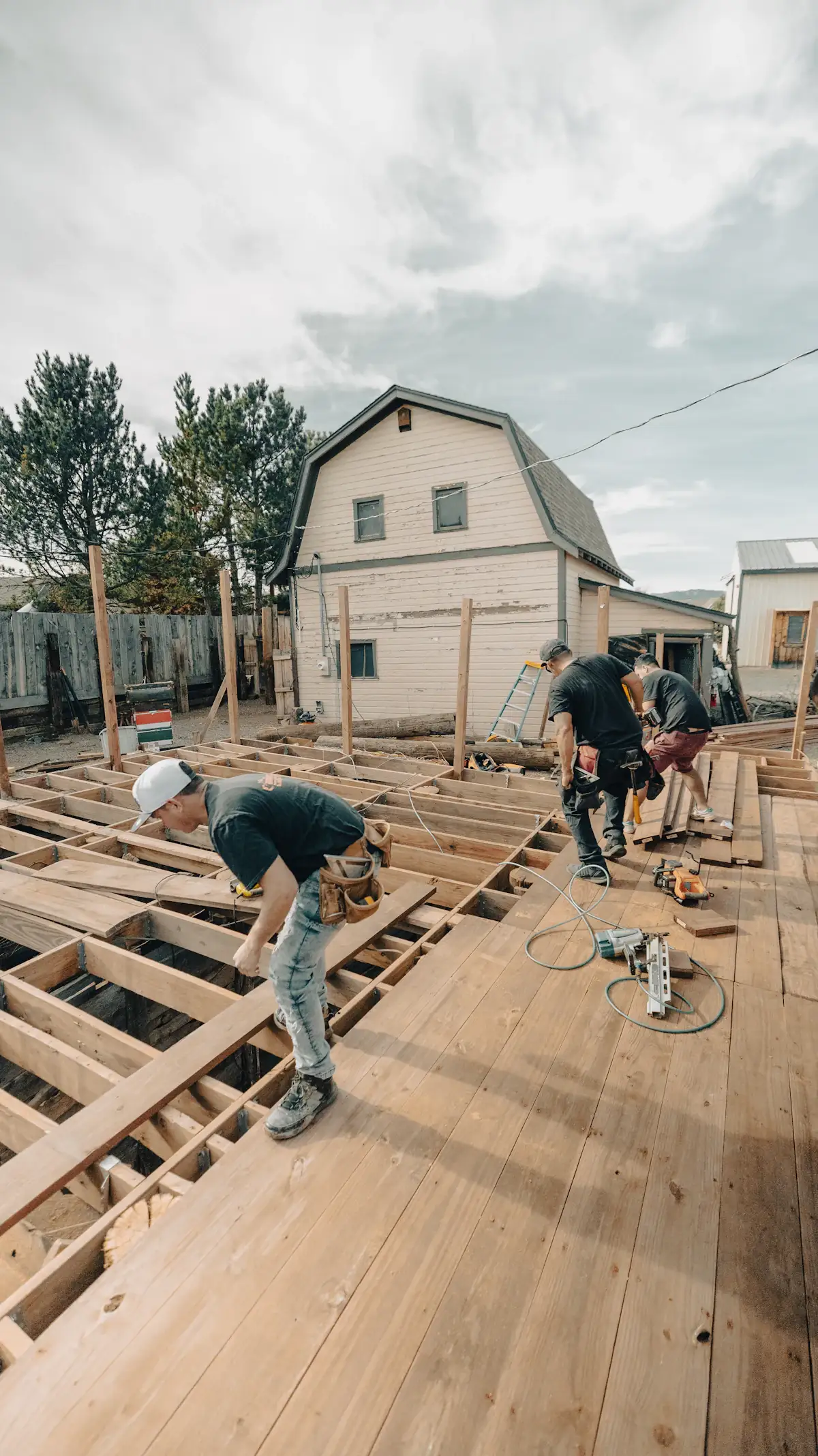
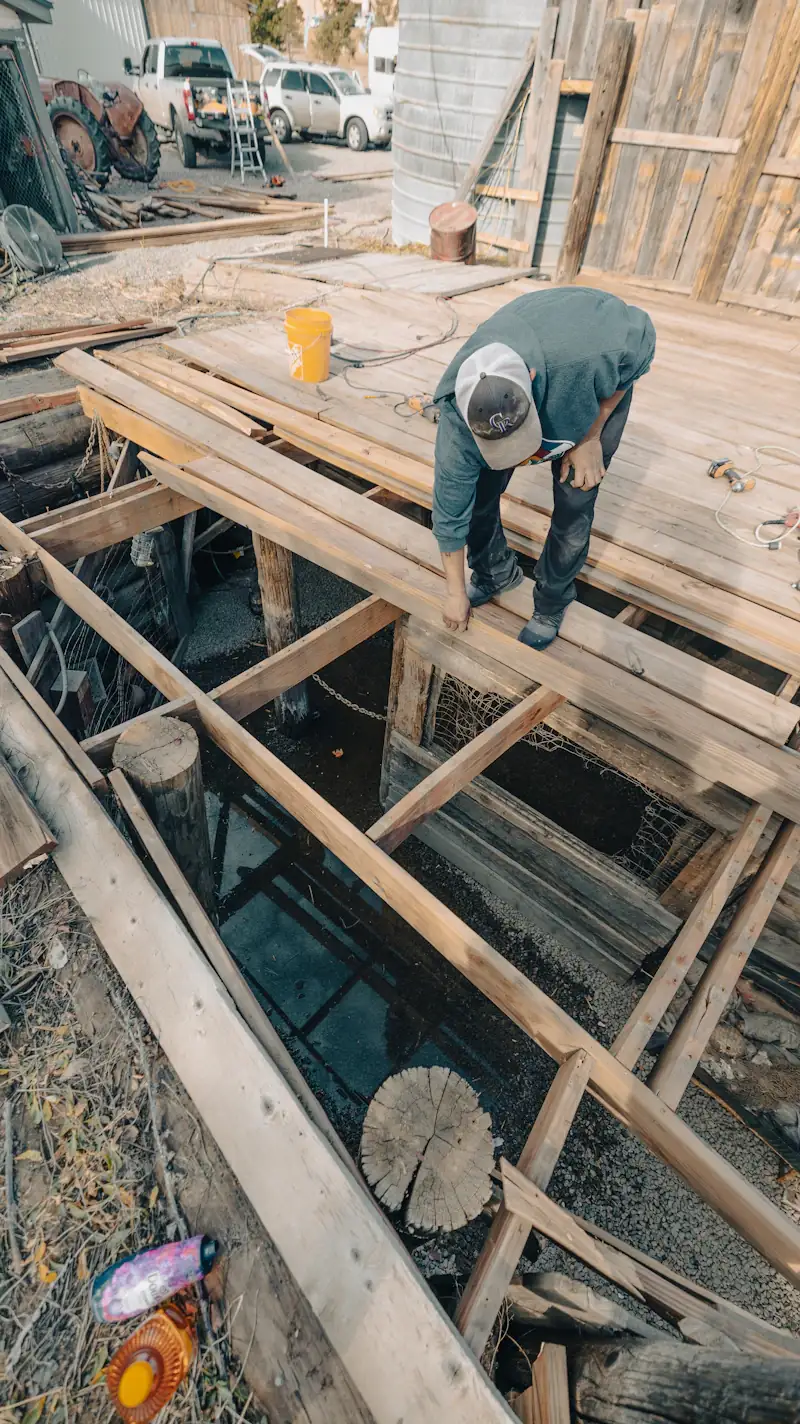

Where a deck job loses money. The boards nobody planned.
A measured estimate, a deposit and a build that runs for days. What you didn't measure, didn't bill or didn't collect comes out of your margin.
Rot, footings and a ledger that won't hold.
The old deck comes off and the rim joist is soft. Your crew fixes it because the homeowner is standing right there, and the price never changes.
In MotionOps: a change order on site, with photos, signed before the extra work.Materials that never make the invoice.
A second lumber run, two boxes of hidden fasteners, four extra boards. The receipts ride on the dash, and the cost comes out of your margin.
In MotionOps: materials and receipts logged to the job, billed at cost plus your markup.Building before the deposit lands.
The lumber is on your card, the crew has started, and the deposit is still "on its way."
In MotionOps: the deposit is captured on approval, and the final balance goes out by link the day you finish.
Here's how a deck job runs in MotionOps.
One composite deck, two changes, three payments. The same four steps run a small repair or a second-story build.
- 1
Sign it
A measured estimate from your pricebook: square feet, linear feet, stairs and an optional lighting package. The customer approves, you sign, and the 40% deposit is captured.
- 2
Change it
The old ledger board is rotten. Your lead snaps photos, writes the change order on site and the customer signs it. They switch to standard balusters, and that's signed too.
- 3
Get paid
The deposit by card, a draw by ACH after framing, the final balance by payment link.
- 4
Close it
MotionOps checks hours, materials and payments against the signed scope, then closes the job and syncs it to QuickBooks Online.
Composite deck, 16 × 20
Okafor residence · Job #3112
- Proposal signed by both sides
- Both change orders signed
- Materials and hours invoiced
- Collected matches approved scope
What deck builders use most.
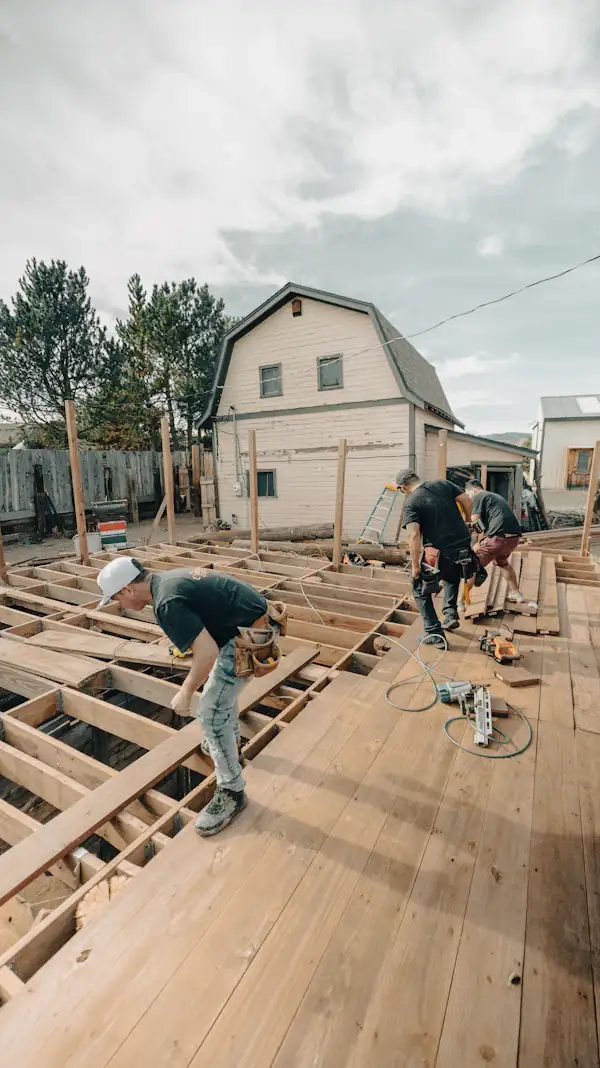
Priced by the foot, paid before the lumber and costed while the boards go down. These are the parts of MotionOps a deck business leans on every build.


Measured estimates
Price by the square foot, the linear foot or the step, straight from your pricebook, with photos. Add optional upgrades like lighting the customer can tick.
The deposit before the lumber
Captured the moment the estimate is approved, by card or ACH. Order materials with the customer's money, not yours.
Change orders with photos
Rot, a buried footing, a different baluster. Photo it, price it and get it signed before the work.
Materials at cost plus markup
Snap the receipt and AI receipt capture reads the slip. It lands on the job and bills at cost plus your markup.
Live job costing
Materials from receipts, labor from GPS timesheets, against the price the customer signed. You see the margin on day three, not after the last payment.
Multi-day builds and crews
Several people on one job across several days. GPS clock-in puts every hour on the job.
All features
We run multi-week fencing and decking projects, and most software we tried was built for quick service calls. MotionOps finally gave us tools that fit how home improvement projects work: contracts, progress payments, and proper project tracking.


Switching from something else?
Already on an app for estimates or job photos? See how MotionOps compares, feature by feature, with what each tool does well. All comparisons
Estimates, deposits and change orders, side by side.
MotionOps vs DripJobsJob costing, materials and progress payments, side by side.
MotionOps vs JobTreadMulti-day builds, deposits and change orders, side by side.
MotionOps vs JobberJob photos, and the estimate, changes and payments around them.
MotionOps vs CompanyCamWhat switching takes
- A call about your businessTell us how you price and run a build today. A real person shows you MotionOps on one of your own jobs.
- Your lists, brought overWe help you move your customers and your pricebook.
- Your next deck in MotionOpsPrice it, change it, get paid and close it, with someone setting you up.
Questions deck builders ask us.
Short answers here. Call us for the long ones.
Yes. Set up pricebook items by the square foot, the linear foot, the step or each, with photos. Add optional upgrades, like lighting, that the customer can pick on the estimate.
Log materials and receipts to the job. AI receipt capture reads the slip, and you bill the materials at cost plus your markup.
Yes. The deposit is captured when the customer approves the estimate. Cards are 2.9% + $0.30 per transaction (Amex 3.2% + $0.30). ACH bank payments are 1%, or 0.5% at $20,000 and up.
The crew adds a change order on site, with photos. The customer signs on the crew's phone or from a link before the extra work, and the new price is on the job.
It's built for the job site: GPS clock-in, the day's work, checklists, photos and change orders, on iOS and Android, in English or Spanish, at no extra cost.
Yes, with QuickBooks Online (sold separately). MotionOps syncs clients, products and services, invoices, payments, refunds, tips and payouts. You choose what syncs, drafts stay out, and a sync log shows every change.
Price the surprise before you fix it.
See MotionOps run one of your own deck builds, from the measured estimate to paid and closed.
Rather talk now? (855) 739-1133