Facility maintenance software that gets every building visited, approved and paid.
One property manager, a dozen buildings and a work request every other day. MotionOps is facility maintenance software that puts the recurring visits at every site on one schedule, gets extra work approved before it's done and sends invoices the property manager can pay online.
Extra work approved, $420Elm Court · by the property manager
now
Where a facility maintenance contract loses money. Between the buildings.
Twelve properties, one property manager and a steady stream of small requests. The margin slips through work nobody approved, visits nobody can prove and invoices that wait on a signature.
Elm Court · lobby doorNot billed
The quick fix nobody approved.
A tenant asks the tech to look at a door while he's on site. He fixes it, and the property manager won't pay for work she never signed off on.
In MotionOps: extra work is priced from your pricebook and approved by the property manager before the tech starts.
Riverside · Feb visitDisputed
Visits you can't prove at site nine.
The monthly walkthrough happened. The regional manager still says nobody has been to Riverside since January, and you have nothing to show.
In MotionOps: GPS clock-in, a checklist per building and photos on every visit, saved on that property.
Invoice #2291 · day 47$1,470
Invoices stuck in accounts payable.
A dozen sites, a dozen PDFs in someone's inbox and a check in sixty days if you're lucky. Meanwhile your techs need paying Friday.
In MotionOps: the monthly agreement charges the account on file, and every other invoice has a link to pay online.
Here's how a property manager's account runs in MotionOps.
One property manager, three buildings, one month. The same four steps run a single site or a whole portfolio.
1
Sign it
A service agreement for monthly maintenance at three buildings, each with its own checklist. Denise, the property manager, signs online, you sign, and the company's bank account goes on file.
2
Change it
At Elm Court, Andre finds a broken lobby door closer, and Denise approves the replacement from a text link. Then Oak Ridge is sold, so its visit comes off the agreement. Both changes are signed.
3
Get paid
The two monthly visits are charged by ACH to the account on file. The door closer is paid online from its invoice link.
4
Close it
Every visit has a GPS clock-in, its checklist and photos. MotionOps checks the visits against invoices and payments, closes the month and syncs to QuickBooks Online.
Replace the lobby door closer, Elm CourtSigned by Denise Walker · Mar 12
+$420
CO-2
Oak Ridge sold: March visit removedSigned by Denise Walker · Mar 18
−$1,050
New agreed price$3,150$2,520
Payments
Lakeview Plaza · ACH$1,050
Elm Court · ACH$1,050
Door closer · paid online$420
Collected vs. approved scope$2,520 of $2,520
Close checks
Both visits signed off
GPS clock-in, checklist and photos on each
Both change orders signed
Collected matches approved scope
Month closed and synced to QuickBooks Online
What facility maintenance contractors use most.
Many properties, one client and a paper trail the property manager can't argue with. These are the parts of MotionOps a building maintenance company runs on.
9:41EN / ES
Client · 12 service addressesWalker Property Group
Lakeview Plaza3 buildings · monthly
Elm Court ApartmentsCommon areas · monthly
Riverside Office ParkQuarterly · suite requests
Harbor Medical BuildingQuarterly
+8 more
DW
Denise Walker, property managerApproves work, pays invoices
Service agreement · Lakeview PlazaMonthly maintenance
Mar 12, monthly visitRecurring work order
Done
Apr 9, monthly visitRecurring work order
Next
Jun 11, quarterly lighting checkRecurring work order
Field note for the techRoof key at the front desk. Sign in first.
Visit · Lakeview Plaza, Bldg A · Mar 12Signed off, 8:16 AM
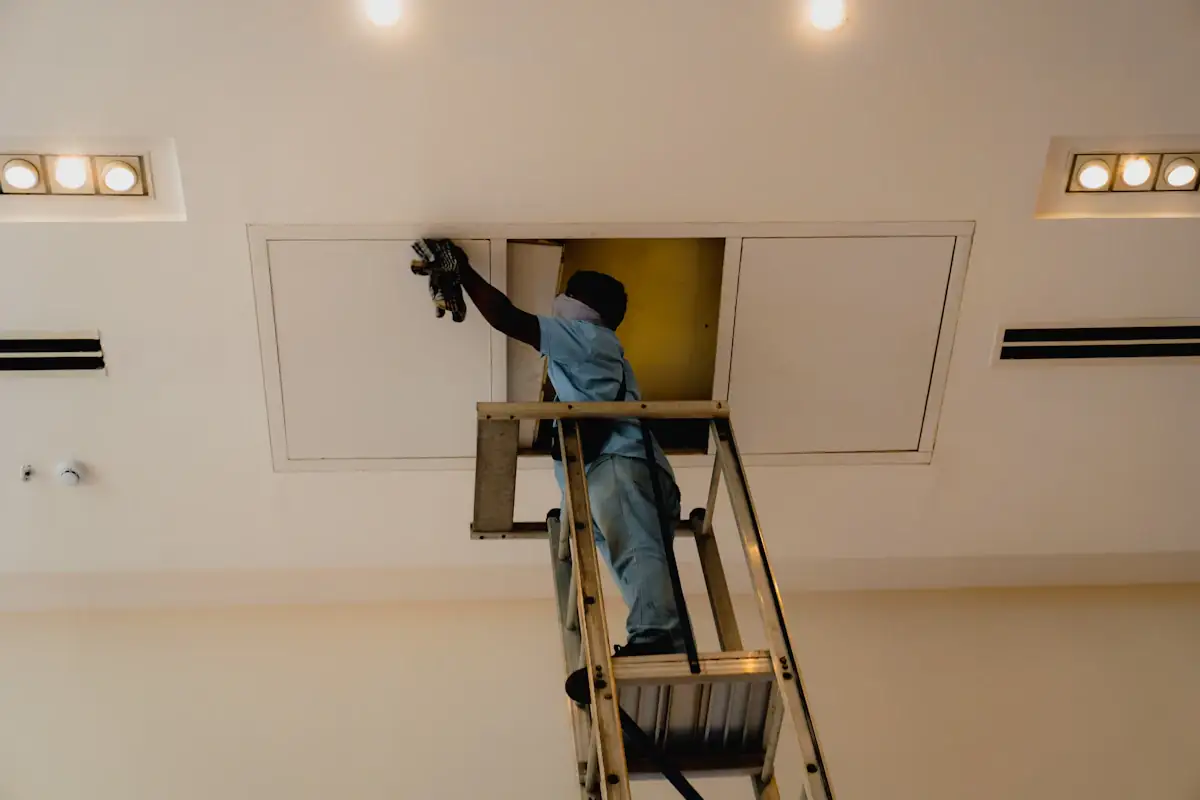
Ceiling
Panel
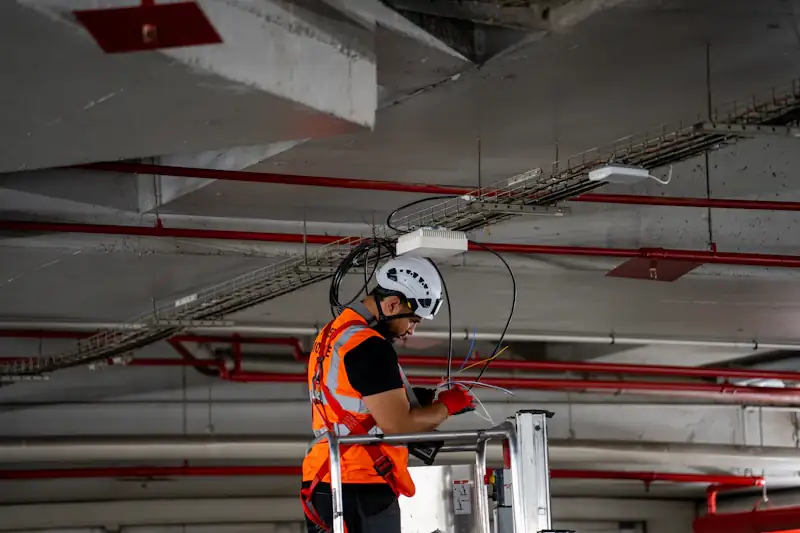
Garage
Andre T. · GPS in 7:02, out 8:16At the Lakeview Plaza address
1h 14m
Checklist completeMonthly maintenance
18 of 18
Job card reportReady to send to Denise
PDF
Elm Court · change orderLobby door closer
Door closer, heavy dutyPricebook · part and labor
+$420
Denise Walker
Approved from a text link · 10:41
Invoice #2307 · Elm CourtPay online
Lobby door closer$420
Photos, before and after4
Total$420
CardACH
Customer portalInvoices, photos and past visits
Open
Pay $420
One client, every property under it
Add each building as a service address with its own contacts, location notes and schedule, all under the property management company. Every past visit stays on its address.
A recurring agreement for each site
Monthly, quarterly or your own schedule. Visits repeat as recurring work orders, and the invoice charges the card or bank account on file. Recurring jobs and auto-charging come with the Go plan and up.
A checklist for every building
Yes or no questions, ratings and notes, built from a template and adjusted for each address. Private field notes tell the tech where the roof key is.
Proof of every visit
GPS clock-in and clock-out, the ticked checklist and photos on every visit. Download a job card report with all of it in one click and send it to the property manager.
Extra work approved before it's done
The tech finds a broken closer on the monthly walkthrough. He adds it from your pricebook with a photo, and the property manager approves from a text link before he starts.
Invoices the property manager can pay online
Send the invoice by email or text with a payment link. She pays by card or bank transfer, or opens the customer portal to see invoices, photos and past visits.
The thing I found amazing about MotionOps is how easy it was to set up an account and manage my day to day tasks. I can create proposals in no time, and the way the payment is handled makes it super easy for me to collect payments.
Bob RichardsonCEO at TopPainter
4.7
On the App Store12 ratings, as of Nov 2026
High Performer on G2Field service management
A real person sets you upOnboarding on every plan
Switching from something else?
Already running your buildings in another app, or in a spreadsheet? See how MotionOps compares, feature by feature, with what each tool does well. All comparisons
Yes. Add every building as a service address under the property management company, each with its own contacts, location notes, schedule and checklist. The work history stays on each address, so any past visit at any site is one tap away.
Yes, for service contractors who maintain commercial buildings for property managers: recurring visits, checklists, work requests, small repairs and billing. It isn't a CMMS for the building owner, so there are no asset registers or sensor feeds.
Every visit keeps the GPS clock-in and clock-out, the ticked checklist, photos and notes. Download a job card report with all of it and send it to the property manager.
The tech or the office adds the work from your pricebook, with photos. The property manager approves on the tech's phone or from a text or email link, and the price is set before the work starts.
Yes. Recurring invoices charge the card or bank account on file. Recurring jobs and auto-charging come with the Go plan and up. ACH bank payments are 1%, or 0.5% at $20,000 and up. Cards are 2.9% + $0.30 per transaction (Amex 3.2% + $0.30). More on cutting late invoices with automations.
Yes, with QuickBooks Online (sold separately). MotionOps syncs clients, products and services, invoices, payments, refunds, tips and payouts. You choose what syncs, drafts stay out, and a sync log shows every change.
Every building visited. Every invoice paid.
See MotionOps run one of your own property accounts, from the site agreements to the monthly charge.
1:1 onboarding on every planWe move your data for youA real person, not a ticket
We care about your data, and we use cookies to improve your experience and to show our ads on other sites. You can accept or reject them. Learn more in our Cookie Policy.


 Ceiling
 Panel
 Garage