
Remodeling software for the change order behind every wall.
Open a wall and the job changes. The homeowner adds ideas. MotionOps is remodeling and handyman software that gets every change signed, tracks every deposit and draw, and won't let a job close with money still open.

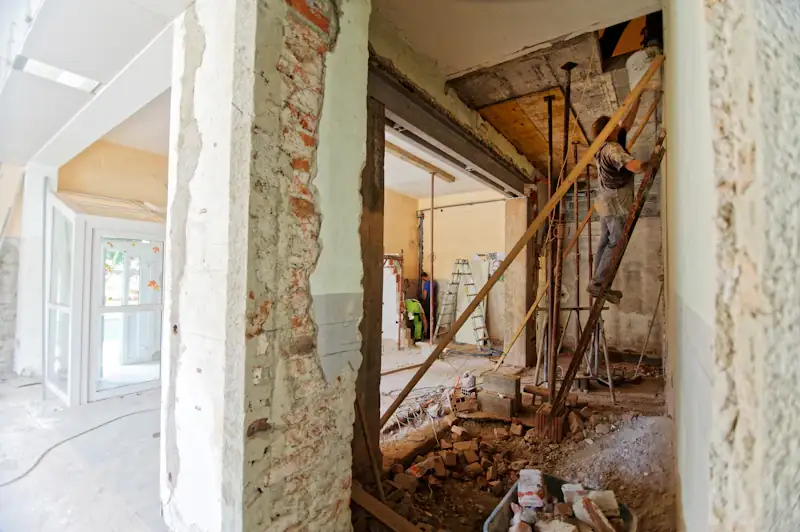
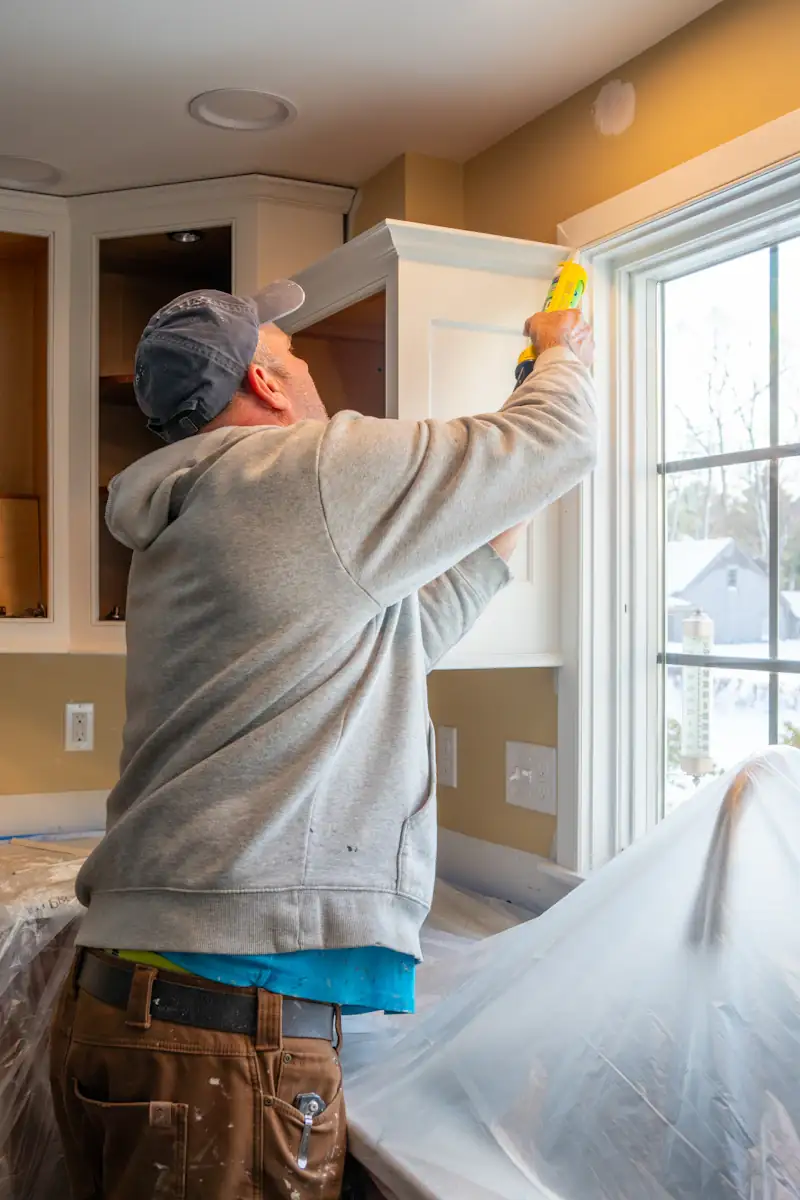
Where a remodel loses money. Not on the tools.
Big jobs, long jobs and a homeowner with new ideas every week. The money leaks out in the paperwork between the walls.
The "while you're here" extras.
One more outlet. A niche in the shower. A better vanity. Your crew says yes on the spot, and nobody writes it down until the final invoice is already a fight.
Draws you chase by hand.
The rough-in is done and the draw is due. You text, you call, you wait, while the crew moves on and the materials sit on your card.
A big job on a one-sided agreement.
A quote with only your signature on it. In many states that is hard to enforce, and you find out when the homeowner disputes the last payment.
Here's how a remodel runs in MotionOps.
One bathroom, three weeks, two surprises. The same four steps run every job you take on.
- 1
Sign it
A proposal from your pricebook, with photos and optional upgrades. The homeowner approves on their phone, you sign too, and the 30% deposit is captured on approval.
- 2
Change it
Demo day finds rotted subfloor. Your lead starts a change order on site and the homeowner signs it before the new plywood goes down. They drop the shower niche, and that gets signed too.
- 3
Get paid
The deposit by card, the rough-in draw by ACH, the final balance by payment link. Every payment lands on the job.
- 4
Close it
MotionOps checks hours, materials and money against the signed scope. When it all matches, the job closes and syncs to QuickBooks Online.
Bathroom remodel
Nguyen residence · Job #2087
- Proposal signed by both sides
- Both change orders signed
- Timesheets and materials invoiced
- Collected matches approved scope
What remodelers use most.
Changes signed, draws collected and a margin you can see while the job is still open. These are the parts of MotionOps a remodeling business leans on every week.
The proposal is the agreement
Templates per job type, fixed price or hourly, and every version tracked. The homeowner signs one document, and so do you.
Change orders, up or down
The crew starts the change on site, with photos. The homeowner signs on the crew's phone or from a text, and the new price is on the job before the work. Cuts work the same way.
Deposits and draws, without the chasing
Capture the deposit when the proposal is approved. Send each draw by card, ACH or payment link as the job hits its milestones, and see what's paid and what's still open.
Job costing while the job is still open
Labor from GPS timesheets, materials and expenses from the receipts your crew snaps, all against the price the homeowner signed. You see the margin in week three, not after the last payment.
Multi-day jobs on one schedule
A three-week remodel and a two-hour repair side by side. Drag days around and put several people on one job.
A crew app in English or Spanish
GPS clock-in, checklists, photos and change orders, on iOS and Android, at no extra cost.
All features
We lost $50,000 on a job because our old software didn't support digital contracts. With MotionOps, I can secure customer agreements upfront, eliminating disputes and costly mistakes. It saved our business!


Switching from something else?
Already on a remodeling app? See how MotionOps compares, feature by feature, with what each tool does well. All comparisons
Change orders, draws and setup for a smaller crew, side by side.
MotionOps vs BuildertrendProposals, job costing and payments, side by side.
MotionOps vs JobTreadProposals, signed agreements and getting paid, side by side.
MotionOps vs Houzz ProChange orders, progress payments and multi-day jobs, side by side.
MotionOps vs JobberWhat switching takes
- A call about your businessTell us how you run a remodel today. A real person shows you MotionOps on one of your own jobs.
- Your lists, brought overWe help you move your customers and your pricebook.
- Your next job in MotionOpsSign it, change it, get paid and close it, with someone setting you up.
Questions remodelers ask us.
Short answers here. Call us for the long ones.
Yes. They add the extra work from the job, with photos and items from your pricebook. The homeowner signs on the crew's phone or from a link, and the new price is on the job before the work starts.
Change orders go down as well as up. Remove the item, the homeowner signs, and the lower price is on the job.
Capture the deposit when the proposal is approved, then send each draw by card, ACH or payment link. Cards are 2.9% + $0.30 per transaction (Amex 3.2% + $0.30). ACH bank payments are 1%, or 0.5% at $20,000 and up.
Yes. Set up agreement templates per work order type: fixed price, hourly or on-site. A two-hour repair and a three-week remodel run in the same account.
Yes. A job waiver records the issue with photos, and the homeowner signs it on the crew's phone.
Yes, with QuickBooks Online (sold separately). MotionOps syncs clients, products and services, invoices, payments, refunds, tips and payouts. You choose what syncs, drafts stay out, and a sync log shows every change.
Bill every change on your next remodel.
See MotionOps run one of your own jobs, from the signed proposal to paid and closed.
Rather talk now? (855) 739-1133