
Landscaping software for crews: mowed every week, paid every week.
Recurring maintenance, installs and seasonal work, with crews spread across town. MotionOps is landscaping and lawn care software that puts every crew on one schedule, auto-charges the recurring visits and won't let a job close with money still open.


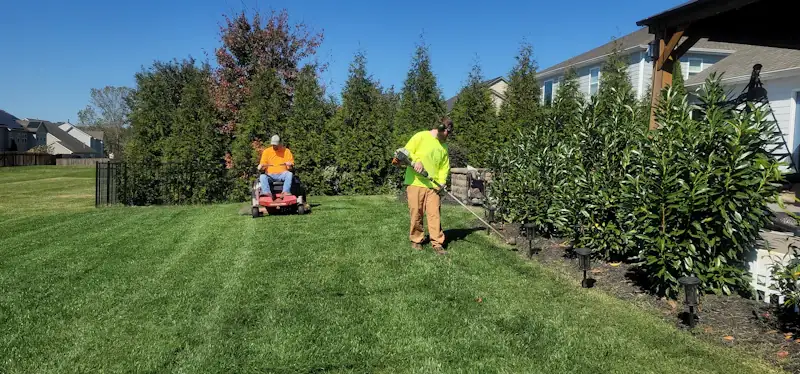
Where a lawn care business loses money. One small visit at a time.
Dozens of short visits a week, each worth a little. Skip the price, the invoice or the stop itself, and the season pays less than it should.
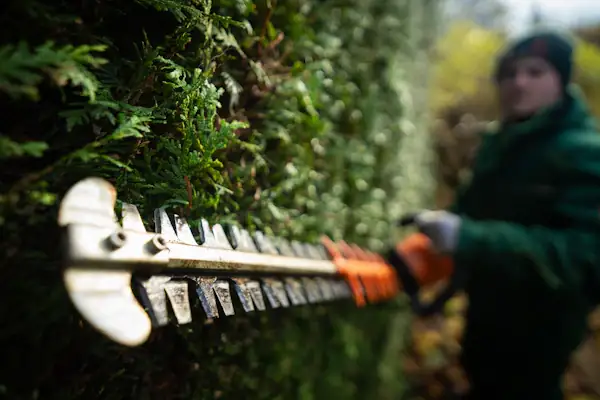
Extras done on the route, for free.
"Can you do the hedge while you're here?" Extra cleanup, a load of mulch, a bed edged. The crew says yes, and it never makes the invoice.
Chasing dozens of small invoices.
Fifty-five dollars here, sixty there. Every week you send them, and every week a few of them sit unpaid.
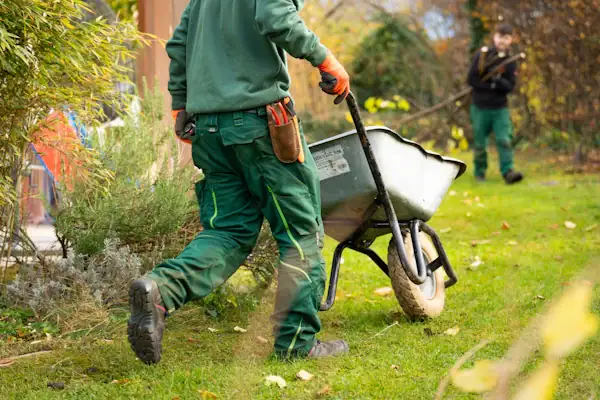
Crews in the wrong place.
Routes on a whiteboard, changes by text. One property gets skipped, another gets mowed twice, and you hear about it from the customer.
Here's how a maintenance season runs in MotionOps.
One property, one season, two changes. The same four steps run a weekly mow or a full install.
- 1
Sign it
A seasonal agreement for weekly mowing plus a spring cleanup. The customer signs, you sign, and their card goes on file.
- 2
Change it
In May they add mulch beds. In August a drought skips two visits. Both changes are signed, one up and one down.
- 3
Get paid
Recurring visits are auto-charged to the card on file. No invoices to print, no checks to chase.
- 4
Close it
At the end of the season, MotionOps checks every visit against the agreement and the payments. Then it closes and syncs to QuickBooks Online.
Weekly lawn care · 2026 season
Patel property · Job #1187
- Agreement signed by both sides
- Both change orders signed
- All 28 visits invoiced
- Collected matches approved scope
What landscapers use most.
Weekly visits that bill themselves, crews in the right yard and installs priced to the dollar. These are the parts of MotionOps a landscaping business leans on every day.

Recurring visits that bill themselves
Weekly mowing on a service agreement. The visits repeat on their own, and the card or bank account on file is charged as they're done. Recurring jobs and auto-charging come with the Go plan and up.
A crew schedule that holds up
Drag visits between crews, put several people on one install and keep unscheduled work in view. Color code by crew or job type. Team skills and multiple service areas are on the Scale plan.
On My Way, in English or Spanish
Crews see the day's stops on their phone, send an On My Way text, tick the checklist and add photos. GPS clock-in keeps the hours honest. iOS and Android, no extra cost.
Change orders for installs
Patios, drainage, plantings. When the customer adds a bed or the yard needs more work than planned, the change is priced and signed before the crew starts it.
Job costing per install
Labor from GPS timesheets and materials from the receipts your crew snaps, against the price you agreed. See what a patio actually made, not what you hoped it made.
Every season in one account
Spring cleanups, mowing, leaves and snow as job types, each with its own pricebook items and agreement. One customer, one history, all year.
All features
I spend my whole day on the go. What got me hooked was that the main office app works on mobile too, so I can do most of the admin from my phone, never leaving the field.


Switching from something else?
Already on a lawn care app, or still on paper? See how MotionOps compares, feature by feature, with what each tool does well. All comparisons
Recurring visits, crew scheduling and auto-charging, side by side.
MotionOps vs JobberMaintenance contracts, installs and setup, side by side.
MotionOps vs AspireQuotes, recurring visits and payments, side by side.
MotionOps vs QuoteIQWhat changes when the schedule, the visits and the invoices live in one place.
MotionOps + QuickBooksWhat switching takes
- A call about your businessTell us how you run your crews today. A real person shows you MotionOps on one of your own properties.
- Your lists, brought overWe help you move your customers and your pricebook.
- Your next season in MotionOpsRecurring visits, installs and payments, with someone setting you up.

When is the Right Time to Scale Your Landscaping Business?
Ten things to weigh before you add a crew, a truck or a new service area.
Questions landscapers ask us.
Short answers here. Call us for the long ones.
Yes. Save the card or bank account on file, and recurring invoices are charged automatically. Recurring jobs and auto-charging come with the Go plan and up. Cards are 2.9% + $0.30 per transaction (Amex 3.2% + $0.30). ACH bank payments are 1%, or 0.5% at $20,000 and up.
Yes. Drag visits onto a crew, put several people on one job and color code the schedule. Team skills and multiple service areas are on the Scale plan.
Set each season up as its own job type, with its own pricebook items and agreement: spring cleanups, mowing, leaves and snow. The customer's history stays in one account all year.
Yes. Weekly maintenance runs on recurring work orders. Installs get an estimate, change orders, deposits and job costing. Same customer, same account.
It's built for the trailer: GPS clock-in, the day's stops, On My Way texts, checklists and photos, on iOS and Android, in English or Spanish, at no extra cost.
Yes, with QuickBooks Online (sold separately). MotionOps syncs clients, products and services, invoices, payments, refunds, tips and payouts. You choose what syncs, drafts stay out, and a sync log shows every change.
Bill every visit this season.
See MotionOps run a week of your own crews, from the first visit to paid and closed.
Rather talk now? (855) 739-1133