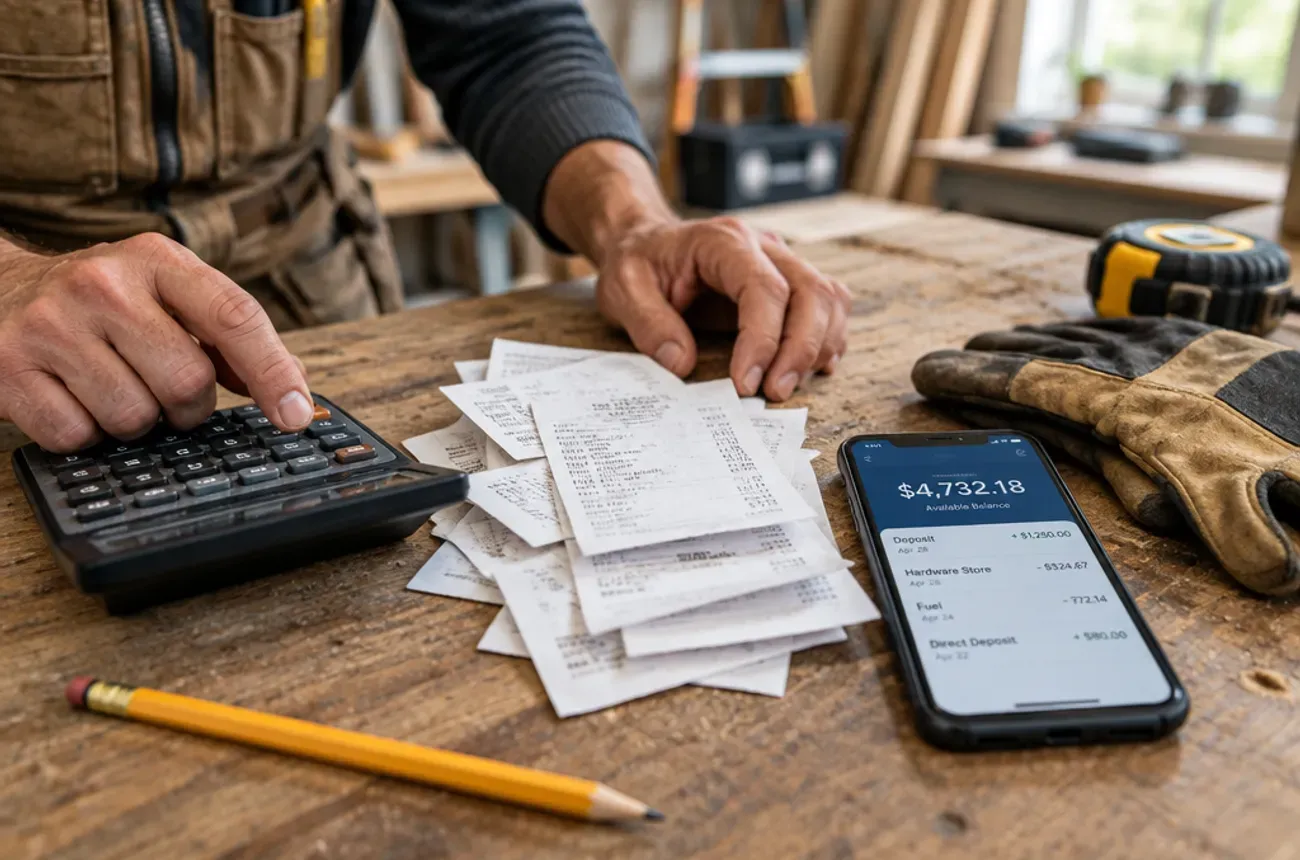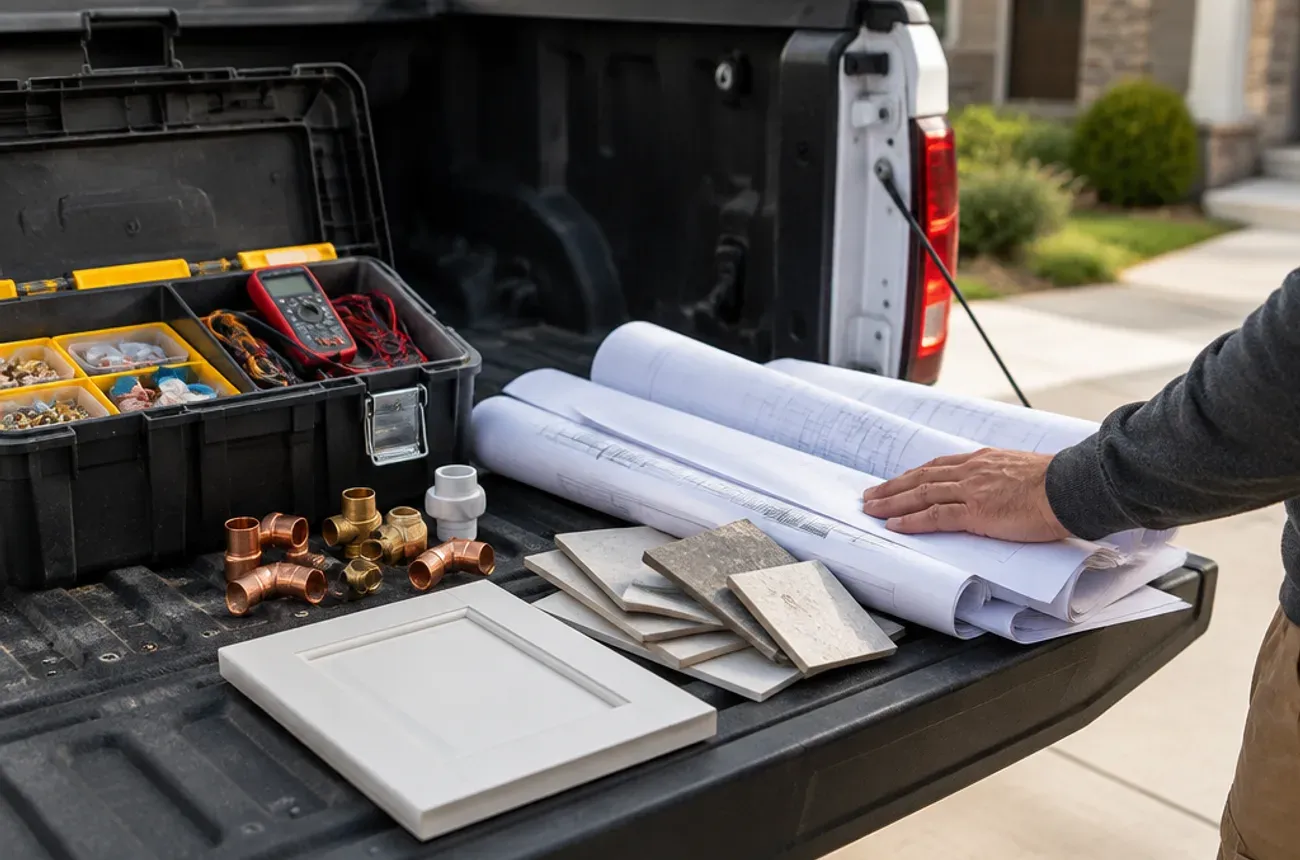
A home improvement company changes the home itself through projects that run for days or weeks, such as a kitchen remodel, an addition, or a new roof. A home service company keeps the home running through visits that usually last hours, such as a furnace repair, a drain cleaning, or a lawn service.
The difference sounds simple, but it shapes almost everything about how the business runs: how jobs are priced, how they are billed, how crews are scheduled, which contracts and state rules apply, and which software fits. This guide lays out the differences side by side, sorts common trades into each group, and explains what it means for the tools you choose.
Home improvement vs. home service at a glance
| Home improvement company | Home service company | |
|---|---|---|
| Typical job | A project: kitchen, bath, addition, roof, deck | A visit: repair, maintenance, install, cleaning |
| Job length | Days to months | Usually hours, sometimes a day |
| How it is priced | Custom estimate or proposal per project | Flat-rate price book or time and materials |
| How it is billed | Deposit, progress payments, final payment | One invoice, usually paid on the spot |
| Price changes | Change orders, signed before the extra work | A line item added by the technician |
| Scheduling | Crews and subs over weeks, phase by phase | Technicians dispatched by the day, often by route |
| Contract | Written contract, often with state-required terms | Work order or service agreement |
| Customer relationship | Intense for weeks, then occasional | Short visits that repeat, often on a maintenance plan |
| Biggest risk | Projects that run over budget or schedule | Missed calls, slow dispatch, idle technicians |
Many companies do both. A plumbing company that remodels bathrooms runs service calls on Monday and a three-week project on the same crew calendar.
Which companies are home improvement vs. home service
The trade alone doesn’t decide it; the kind of jobs a company takes does. These are the usual patterns:
| Usually home improvement | Usually home service | Often both |
|---|---|---|
| Kitchen and bath remodelers | HVAC repair and maintenance | Plumbing (repairs and bathroom remodels) |
| General contractors and design-build firms | Drain cleaning and plumbing repair | Electrical (repairs and panel upgrades or rewires) |
| Additions and basement finishing | Appliance repair | HVAC (repairs and full system replacements) |
| Roofing replacement | Pest control | Handyman (small fixes and multi-day projects) |
| Siding, windows, and doors | House cleaning and maid services | Painting (touch-ups and whole-house repaints) |
| Decks, patios, and outdoor living | Lawn care and landscape maintenance | Flooring (repairs and full installs) |
| Flooring installation and cabinetry | Pool service | Landscaping (maintenance and hardscape projects) |
A simple test
Ask two questions about your typical job:
- Does it take more than one day on site?
- Does the price get set by a custom proposal rather than a price list?
Two yeses means you run home improvement work. Two noes means home service. One of each usually means you run both, and you need tools and processes that handle both kinds of jobs.
How the workflows differ, from first call to final payment
Both kinds of companies follow the same broad steps. What happens inside each step is very different.
| Step | Home service | Home improvement |
|---|---|---|
| First contact | A call or online booking for a specific problem | An inquiry about a project, often weeks before work starts |
| Pricing | Tech diagnoses on site and quotes from a price book | Site visit, measurements, then a custom proposal days later |
| Approval | Customer says yes on the spot | Customer compares bids, then signs a contract |
| Scheduling | Dispatch to the next open slot, often same day | Crew and sub sequence planned over weeks, phase by phase |
| The work | One visit, one technician or a small crew | Many days, several crews and subs, inspections in between |
| Changes | Tech adds a part or labor line | Change order written, priced, and signed before the extra work |
| Customer contact | “On my way” text and a summary after the visit | Weekly updates, selections, approvals, and photos for weeks |
| Billing | One invoice, paid at the end of the visit | Deposit, progress payments at milestones, final payment after the punch list |
| After the job | Maintenance plan and the next service call | Warranty, reviews, referrals, and the next project years later |
The home improvement column is where most of the paperwork lives: proposals, contracts, change orders, payment schedules, and punch lists. Those are also the steps where projects lose money when they’re handled in a tool built for the other column.
Rules that apply to home improvement work
Many states treat home improvement as consumer-protection territory, with rules that a typical service call never touches. A few examples:
| State | What home improvement work requires |
|---|---|
| California | A written, signed contract for jobs over $500, with required notices; deposits capped at $1,000 or 10%, whichever is less (Bus. & Prof. Code § 7159) |
| Massachusetts | Contractor registration, a written contract for jobs over $1,000 with the registration number on page one, and deposits capped at one-third (Mass. Consumer Affairs) |
| Maryland | A Maryland Home Improvement Commission license, written contracts, and deposits capped at one-third (MHIC) |
| New York | Payments taken before substantial completion held in escrow or bonded (NY Attorney General); a city license for home improvement contractors in New York City |
Definitions vary by state, and in some states larger repair jobs also count as home improvement. If you run both kinds of work, check where your state draws the line before you write your contracts. This section is general information, not legal advice; our guide to contractor deposit laws by state covers deposits in more detail.
Why it matters when you choose software
Most field service software was built for the home service column: dispatch boards, price books, and one invoice per visit. That works well for a company that runs service calls. A home improvement company running six-week projects in the same tool ends up with workarounds for change orders, progress billing, phase scheduling, and job costing.
Before you pick a tool, match it to the kind of work you mostly do:
- Mostly home service: look for fast dispatch, routing, a price book, maintenance plans, and on-the-spot payment.
- Mostly home improvement: look for proposals and contracts, signed change orders, progress billing, scheduling by phase and crew, and job costing during the job.
- Both: look for one system that handles a two-hour visit and a six-week project on the same calendar, without a second product for projects.
Our comparison of Jobber, Housecall Pro, and ServiceTitan for remodelers shows how service-first tools handle project work.
Where MotionOps fits
MotionOps is field service software built for contractors whose jobs run for days or weeks, including companies that also take service calls. Proposals, contracts, change orders, scheduling by crew, time and expense tracking, invoices, payments, and job profitability all live on the same job record. Try MotionOps free for 14 days.