Jobber, Housecall Pro, and ServiceTitan are all strong tools, but all three are built around the home service visit: a tech goes out, does the job, and the invoice goes out the same day. Remodelers who run jobs for three to twelve weeks often hit their limits on change orders, progress billing, and job costing.
This guide compares the three from a remodeler’s point of view. It covers pricing, where each one fits, where each one strains on multi-week projects, and what to look for if none of them fits the way you work.
Jobber vs. Housecall Pro vs. ServiceTitan at a glance
Jobber and Housecall Pro are priced for small teams and publish their prices. ServiceTitan quotes per technician and is aimed at larger service companies. Prices below are from each vendor’s pricing page as of October 2026.
| Jobber | Housecall Pro | ServiceTitan | |
|---|---|---|---|
| Entry price | $49/mo for 1 user, or $29/mo billed annually | $79/mo for 1 user, or $59/mo billed annually | Not published; quoted per technician |
| Team plan | Grow: $299/mo for 5 users; Plus: $499/mo for 5 users | Essentials: $189/mo for 5 users; MAX: $329/mo for 8 users | Third-party estimates: about $245 to $500 per technician per month, plus implementation |
| Extra users | $29/mo each | $35/mo each (MAX) | Per technician |
| Free trial | 14 days | 14 days | Demo; no public trial |
| Built around | Home service visits for small teams | Home service businesses (HVAC, plumbing, electrical, cleaning, landscaping) | Large service and replacement companies with dispatch teams |
| Project tools for remodelers | Progress invoicing; job costing (Grow and up); crew scheduling (Plus) | Job costing on all plans; sells a separate product, BuildBook, for remodelers | Construction module with project plans, change orders, and progress billing, aimed at trade subcontractors |
Monthly prices are no-commitment list prices. Annual billing is cheaper on both Jobber and Housecall Pro. ServiceTitan figures are estimates from OneCrew’s 2026 pricing analysis, not from ServiceTitan.
Why service software breaks on multi-week projects
Service software is built around the visit: book it, dispatch a tech, finish, invoice. A remodel is a project: weeks of phases, subs, inspections, selections, and several payments. When a tool treats a six-week kitchen like a long service call, the gaps get filled with spreadsheets and text threads.
| Service call | Remodeling project | |
|---|---|---|
| Length | 1 to 4 hours | 3 to 12 weeks |
| Who works it | One tech or a small crew | Your crew plus several subs, in sequence |
| Price changes | Rare; tech adds a line item | Several change orders per job, each signed before work |
| Billing | One invoice when the work is done | Deposit, progress payments at milestones, final payment |
| Job costing | Labor and parts for one visit | Budget vs. actual across weeks of labor, materials, and sub invoices |
| Customer contact | Reminder text and an “on my way” message | Weekly updates, selections, approvals, and photos for weeks |
Where remodelers feel it first
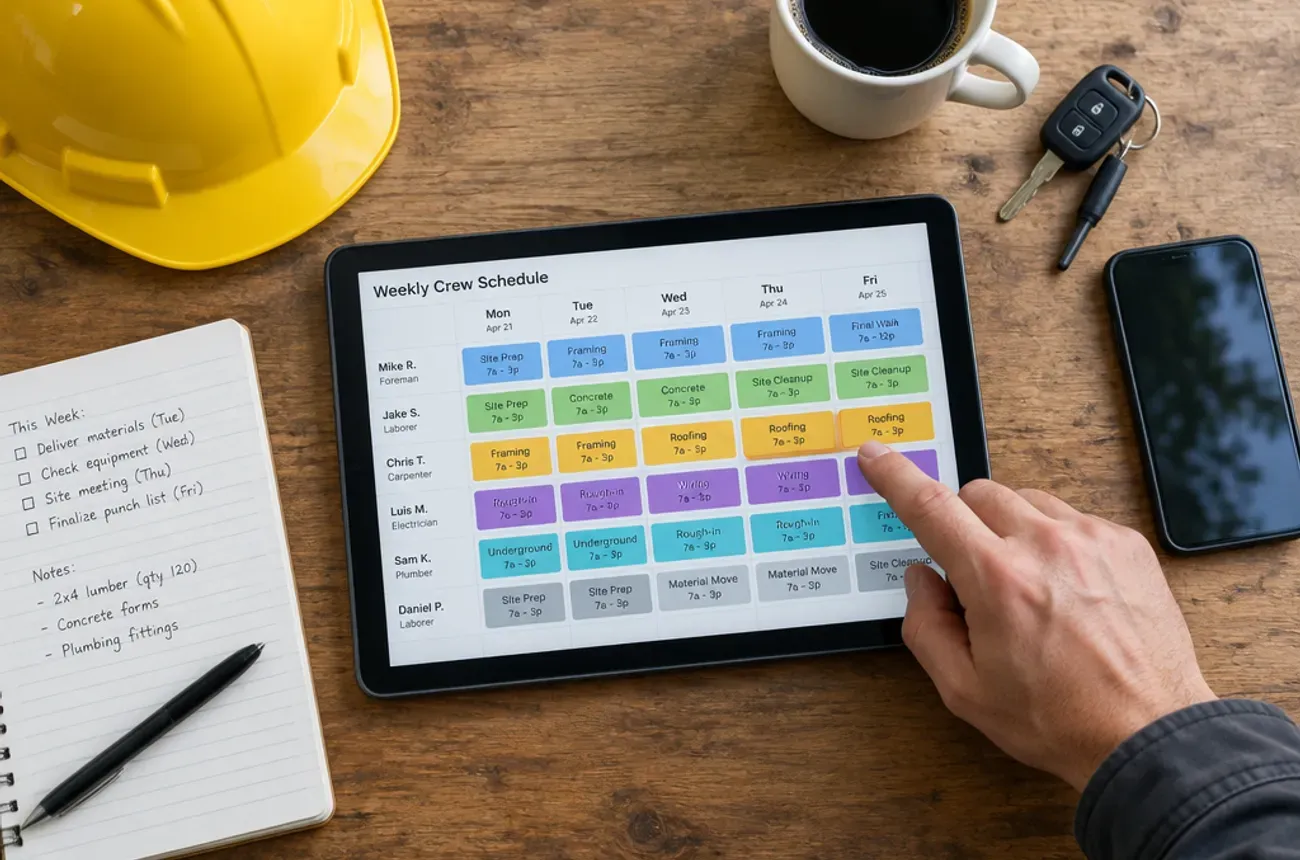
- Scheduling. A dispatch board shows today’s visits. A remodeler needs to see which phase each job is in, who is on it this week, and when the tile sub can start.
- Change orders. In many service tools, extra work gets added as a line item or a new quote. It is hard to see the original contract, every approved change, and the running total in one place.
- Progress billing. Splitting a $60,000 job into a deposit and milestone payments takes workarounds if the tool expects one invoice per job.
- Job costing. You need to know mid-job whether the project is still on budget, not after the final invoice.
- Homeowner communication. Homeowners in a six-week remodel want to see progress without calling you every day.
Jobber for remodelers
Jobber is the easiest of the three to start with, and it fits remodelers who mostly run short jobs of a few days. It gets harder to stretch over long projects with many changes.
Where it works
- Clear, published pricing, a 14-day trial, and no credit card to start
- Quotes with optional line items and markups (Grow and up), approved online through Jobber’s client hub
- Progress invoicing for billing as work moves along
- Job costing on Grow and up, with profit alerts on Plus
- QuickBooks Online and Xero sync, plus a Home Depot pricing integration
Where remodelers hit limits
- No dedicated change order feature is listed on Jobber’s pricing page, so changes usually run through quotes and line items.
- Crew scheduling is a top-tier feature. Grouping people into crews is on Plus, which starts at $499/mo for 5 users.
- Scheduling tools lean toward routes and visits, such as route optimization and drive-time suggestions, more than phases and sub sequencing.
- Costs grow with headcount at $29/mo per extra user.
Best fit: small remodelers and handyman businesses whose jobs mostly last days, not weeks.
Housecall Pro for remodelers
Housecall Pro is a polished tool for service businesses, and its own FAQ describes it as designed for trades like HVAC, plumbing, electrical, cleaning, and landscaping. The clearest signal for remodelers: Housecall Pro sells a separate product for them. BuildBook, part of Housecall Pro’s brand portfolio, is construction management software for builders and remodelers.
Where it works
- Job costing on every plan, including the $59/mo Basic plan (billed annually)
- Consumer financing on all plans, useful for bigger-ticket jobs
- Photo reports with markups and checklists on Essentials
- Strong review management and online booking for lead generation
- Sales proposal tool with side-by-side options on MAX
Where remodelers hit limits
- Built around the price book and flat-rate pricing, which fit repeatable service tasks better than custom remodels.
- Change orders and phase-based project schedules are not listed among the features on Housecall Pro’s pricing page.
- QuickBooks Online sync starts on Essentials at $189/mo (or $149/mo billed annually).
- Two products for two kinds of work. If you run both service calls and remodels, the project tools live in BuildBook, a separate product.
Best fit: service-first businesses (plumbing, electrical, handyman) that do occasional small remodels.
ServiceTitan for remodelers
ServiceTitan has the deepest project tools of the three, but they are aimed at a different contractor. Its residential construction page says the construction product is built for trade subcontractors, such as HVAC, plumbing, and electrical companies doing installs on new homes, and describes Buildertrend and BuildBook as the tools for builders and general contractors.
Where it works
- Project plans with tasks, dependencies, and milestones
- Change orders, progress billing, and job costing per home in the construction product
- Crew scheduling across several job sites at once
- One system for construction installs and the service work that follows
Where remodelers hit limits
- Built for trade subs, not remodelers. The construction workflow assumes you install systems in homes someone else is building, not that you run the whole remodel.
- Per-technician pricing that is not published. Third-party estimates put it around $245 to $500 per technician per month.
- Implementation is a project of its own. Reviews and pricing analyses report setup fees from about $5,000 to $50,000 and rollouts measured in months.
- No free trial. You start with a sales demo.
Best fit: large HVAC, plumbing, or electrical companies that run both service calls and new-construction installs.
Head to head
Jobber vs. Housecall Pro
For a remodeler, Jobber is slightly better for billing and Housecall Pro is slightly better for cost tracking on a budget plan. Jobber lists progress invoicing, which matters on multi-payment jobs. Housecall Pro includes job costing on its cheapest plan, while Jobber puts it on Grow ($299/mo for 5 users).
Team pricing is close: Jobber Connect is $199/mo for 5 users, and Housecall Pro Essentials is $189/mo for 5 users. Neither lists a dedicated change order feature on its pricing page.
Housecall Pro vs. ServiceTitan
These two serve different sizes of business. Housecall Pro publishes its prices and offers a 14-day trial you can start on your own. ServiceTitan is quote-only, priced per technician, and reported implementations take months.
For remodelers, both companies point you somewhere else for project work. Housecall Pro offers BuildBook as a separate product, and ServiceTitan’s construction tools are built for trade subcontractors.
Jobber vs. ServiceTitan
Jobber is the small-team choice and ServiceTitan is the large-company choice. A 5-person remodeling company can run Jobber for a few hundred dollars a month. ServiceTitan’s per-technician pricing and implementation costs make sense for larger service companies with dispatchers and office staff.
If you are choosing between these two as a remodeler, the gap between them is usually a sign that you need a third option built for project work.
What to look for in remodeling software instead
The right tool treats the project as the unit of work, not the visit. Use this checklist in every demo:
- Scheduling by phase and crew. You can see every active job, its current phase, and which crew or sub is on it this week.
- Real change orders. Each change is its own signed document, tied to the job, and added to a running contract total.
- Progress billing from the contract. Deposit and milestone invoices come from the signed proposal, not from scratch.
- Job costing during the job. Budget vs. actual for labor, materials, and subs while you can still fix it.
- Homeowner updates. A portal or messages that show progress, photos, and approvals without a phone call.
- Time tracking by job. Crew hours land on the right project, so costing and payroll match.
- Pricing that fits a growing crew. Adding a laborer should not jump you to a new tier.
- Setup measured in days. No implementation project before you can send your first proposal.
The demo test
Ask every vendor to show you one realistic job from start to finish: a $60,000 kitchen remodel with a 30% deposit, three progress payments, two change orders, and a sub who starts in week three. Watch how many workarounds it takes.
Where MotionOps fits
MotionOps is field service software built for contractors whose jobs run for days or weeks: remodelers, home improvement companies, and project-based trades. It keeps the whole project in one place, from the first proposal to the final payment.
- Proposals and contracts with e-signatures
- Change orders created on site or in the office, sent by email or text, and signed on a phone
- Scheduling by crew availability and skills across several active jobs
- Time, materials, and expense tracking by job, with receipts
- Invoicing and payments, plus a customer portal link for the homeowner
- Job profitability so you see where each project stands
Run the demo test above on MotionOps and compare. Start a free trial and run your next remodel in it.
FAQ
Is Jobber good for remodeling contractors?
Jobber works well for remodelers whose jobs last a few days. For multi-week projects, check two things in the trial: how you handle change orders, since Jobber does not list a dedicated feature for them, and whether you need crew scheduling, which is on the Plus plan.
Is Housecall Pro good for remodelers?
Housecall Pro is built for home service businesses. For project-based remodeling, Housecall Pro itself offers a separate product, BuildBook.
Can you use ServiceTitan for remodeling?
ServiceTitan has construction tools, including change orders and progress billing, but it positions them for trade subcontractors on new home builds. Its per-technician pricing and implementation costs also make it a large-company tool.
Which is cheapest: Jobber, Housecall Pro, or ServiceTitan?
For one user, Jobber Core is the cheapest at $29/mo billed annually ($49/mo month to month). For a 5-person team, Housecall Pro Essentials ($189/mo) and Jobber Connect ($199/mo) are close. ServiceTitan does not publish prices.
What software do remodelers use instead?
Most remodelers who outgrow service software move to project-based tools such as MotionOps, Buildertrend, JobTread, or BuildBook. Compare them on change orders, progress billing, and scheduling by phase. Our guide to the best software for a remodeling company compares them side by side.