The best software for a handyman company handles both halves of the business: quick one-visit fixes that need fast scheduling and on-the-spot invoices, and multi-day projects that need proposals, change orders, and deposits. Most handyman businesses do both, so a tool that only handles one half leaves you working around it for the other.
Below we compare five options on what they do well, where they fall short, and what they cost as of October 2026.
Full disclosure: MotionOps wrote this guide, and MotionOps is one of the tools on the list. We kept the other reviews factual and linked every price to its source.
Quick picks: best handyman software in 2026
The right pick depends on how much of your work is quick fixes versus multi-day projects, and on how many people are in the field.
| Software | Best for | Starting price | Trial |
|---|---|---|---|
| MotionOps | Handyman businesses that also take multi-day projects | $39/mo (Solo, billed annually); $59/mo month to month | 14 days |
| Jobber | Solo handymen and small teams doing mostly short visits | $29/mo billed annually; $49/mo month to month (1 user) | 14 days |
| Housecall Pro | Service-first handyman businesses that want marketing tools | $59/mo billed annually; $79/mo month to month (1 user) | 14 days |
| Workiz | Teams that want phone and answering tools in the same system | Quote only since August 2026 | Demo |
| Joist | Owner-operators who mainly need estimates, invoices, and payments | $10/mo (Basics) | 14 days |
Prices are from each vendor’s pricing page or listing as of October 2026. Annual billing is cheaper on every tool that publishes prices.
What handyman software needs to do
A handyman business swings between a 45-minute faucet swap and a two-week basement refresh, sometimes in the same week. The software has to handle both without workarounds.
| Feature | Why it matters for a handyman business |
|---|---|
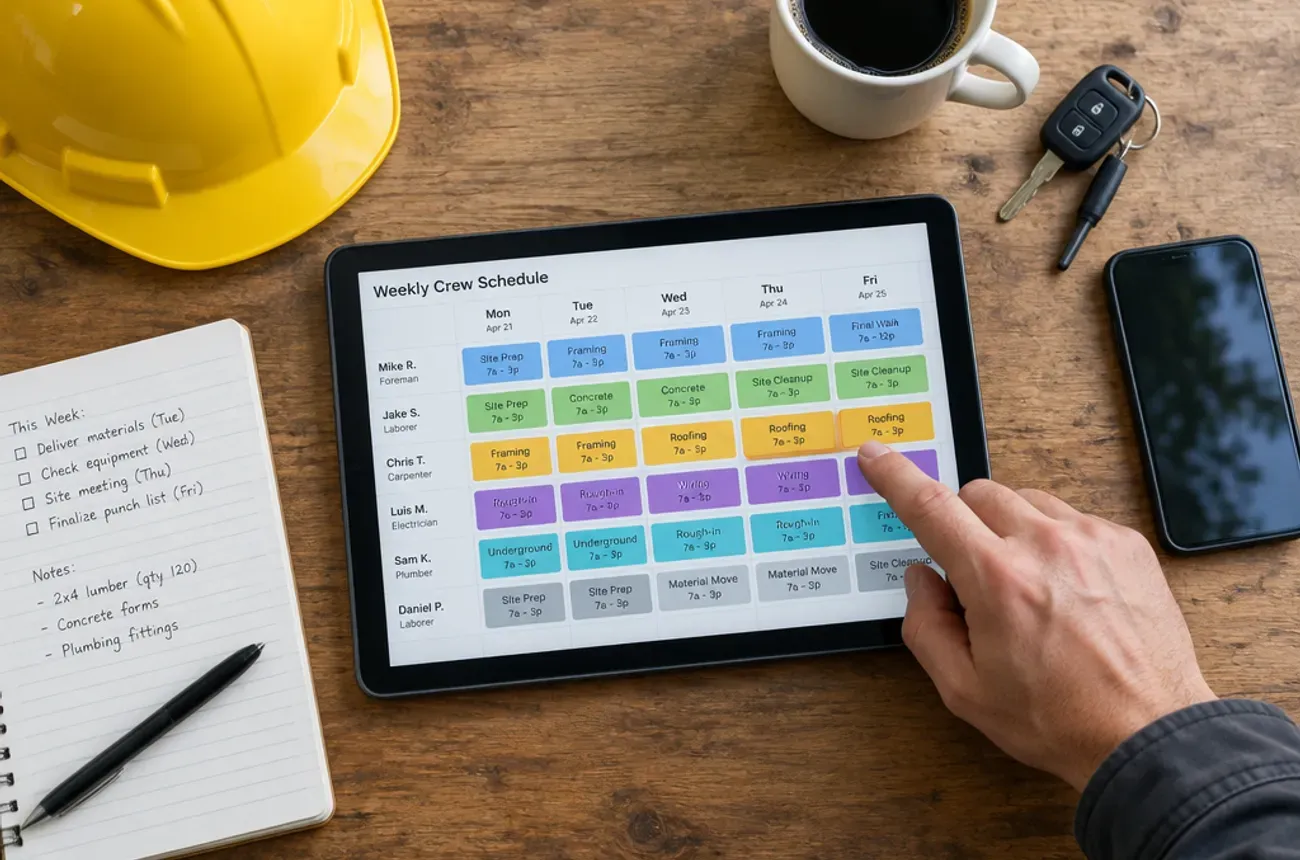
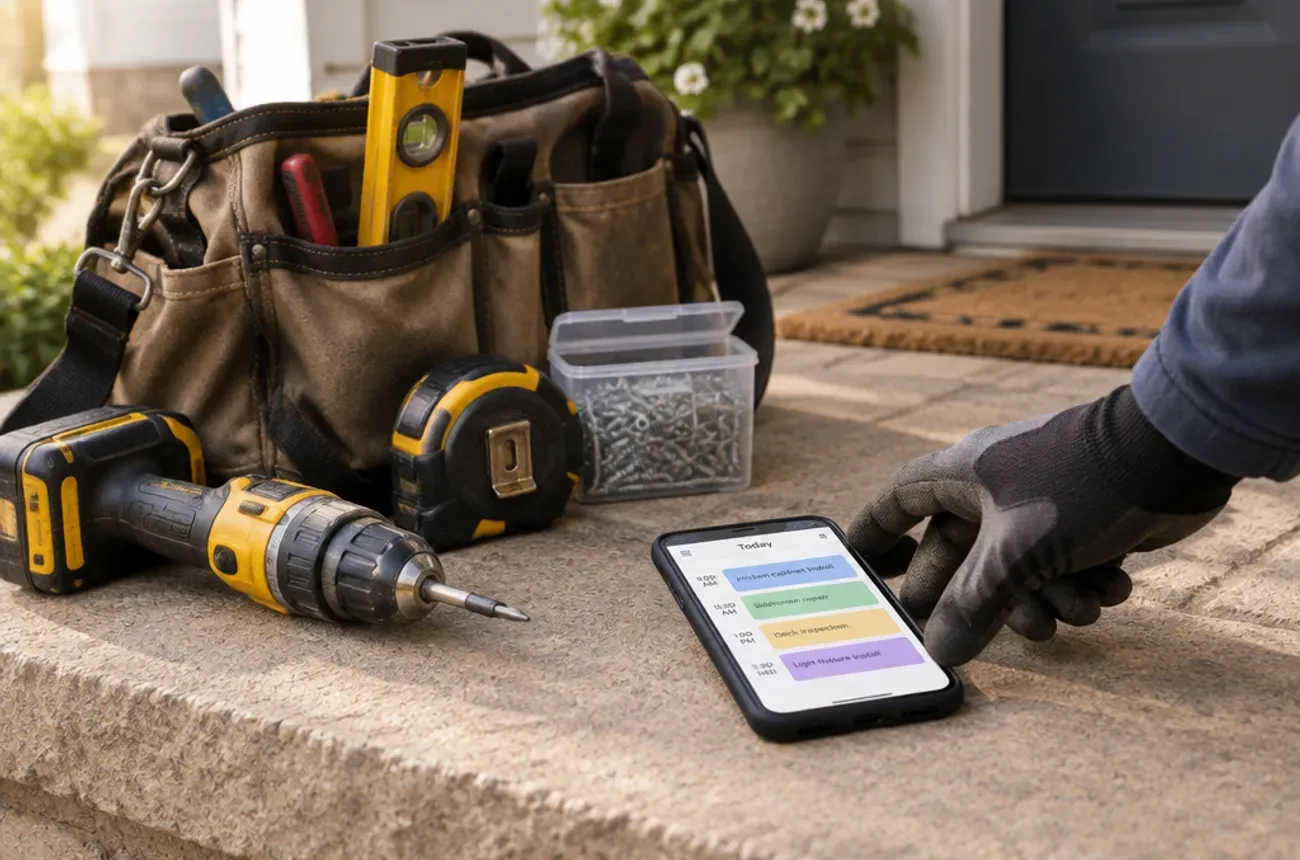
| Fast scheduling for short jobs | Several small visits a day, booked and moved without phone tag |
| Multi-day jobs on the same calendar | A deck repair or room refresh shouldn’t need a separate tool |
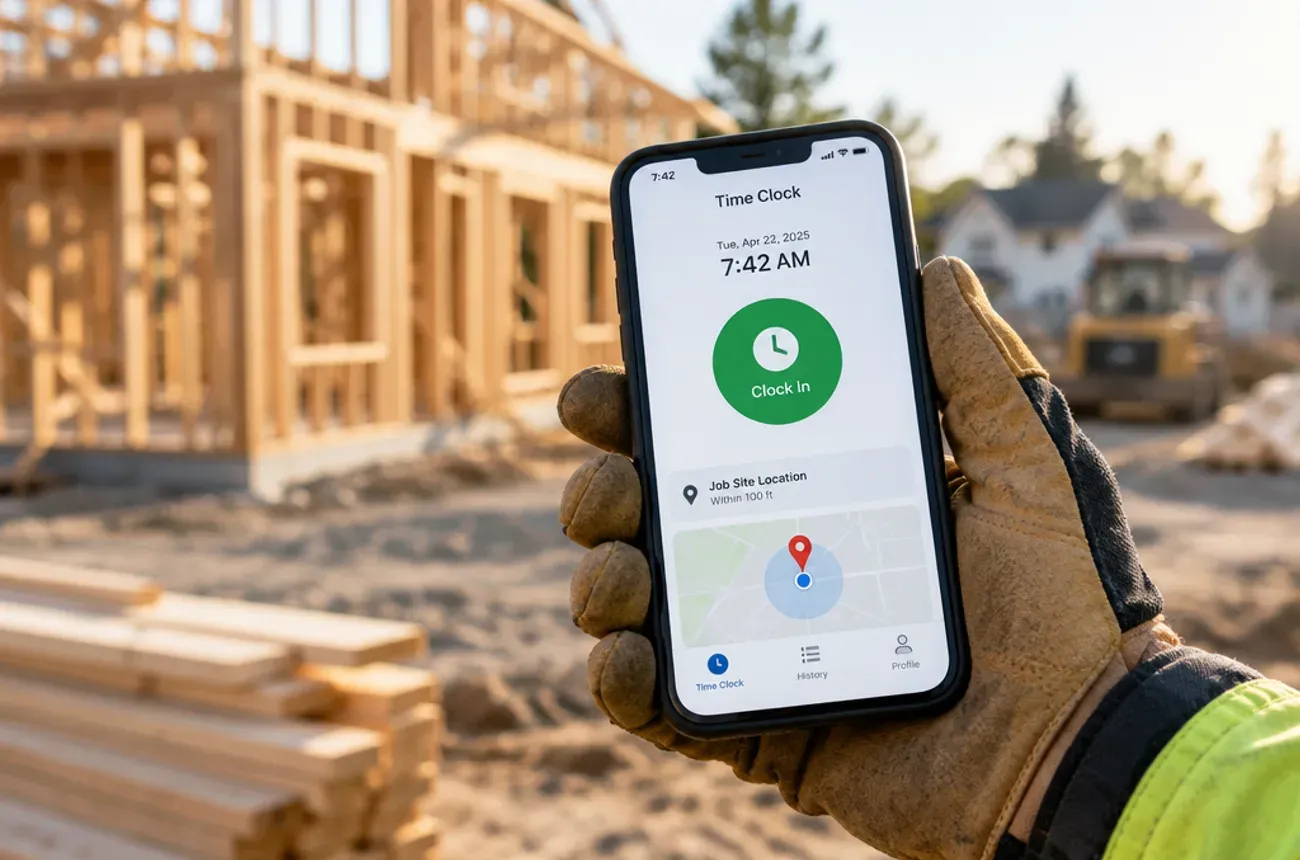
| Quotes from your phone | Price small jobs on site, before you leave the driveway |
| Proposals and change orders for bigger jobs | Signed scope and signed extras keep “while you’re here” requests paid |
| Deposits and progress payments | Material-heavy projects need cash up front, within your state’s rules |
| Invoices and card payments on the spot | Small jobs should be paid before you pack up |
| Time and materials by job | Shows which jobs actually make money |
| Photos and notes on the job | Before-and-after shots for disputes, reviews, and marketing |
If most of your work is one-visit fixes, the scheduling, quoting, and on-the-spot payment rows matter most. If projects are growing, look hard at the proposal, change order, and deposit rows.
The options reviewed
1. MotionOps
Best for: handyman businesses whose work is shifting toward multi-day projects, while still taking quick service calls.
- Strengths: proposals, contracts, and change orders signed electronically; scheduling by crew availability and skills; time, materials, expenses, and receipts by job; invoices, payments, and a customer portal link; job profitability; photos and checklists on each job; app in English and Spanish.
- Limits: a younger vendor with fewer third-party integrations listed than Jobber or Housecall Pro.
- Pricing: Solo $39/mo billed annually ($59/mo month to month) for 1 user; Go $119/mo billed annually ($149/mo) for up to 5 users, plus $29 per extra user; Scale $199/mo billed annually ($249/mo) with 5 users included. 14-day free trial.
2. Jobber
Best for: solo handymen and small teams whose jobs mostly last hours, not days.
- Strengths: easy to learn; quotes approved online through a client hub; online booking; QuickBooks Online and Xero sync; progress invoicing; job costing from the Grow plan up.
- Limits: no dedicated change order feature listed on its pricing page; crew scheduling is on the top Plus plan ($499/mo for 5 users); $29/mo per extra user.
- Pricing: Core $49/mo month to month or $29/mo billed annually for 1 user; Connect from $139/mo; Grow from $199/mo (Jobber pricing).
3. Housecall Pro
Best for: service-first handyman businesses that want built-in marketing, reviews, and online booking.
- Strengths: job costing on every plan; consumer financing; review management and online booking; photo reports and checklists on Essentials.
- Limits: built around a price book and flat-rate pricing; change orders and phase scheduling aren’t listed features; project-based work is pushed to a separate product, BuildBook.
- Pricing: Basic $79/mo month to month or $59/mo billed annually for 1 user; Essentials $189/mo for 5 users; MAX $329/mo for 8 users (Housecall Pro pricing).
4. Workiz
Best for: busy service teams that live on the phone and want calls, answering, and jobs in one system.
- Strengths: built-in phone system and AI answering options; scheduling and dispatch; checklists; online payments.
- Limits: pricing is quote-only since August 2026, after several changes earlier in the year; reviews mention phone and AI answering add-ons raising the monthly bill; built for service visits more than projects.
- Pricing: quote only. Earlier in 2026, Workiz listed plans from $225/mo with the first users included (PricingSaaS change log).
5. Joist
Best for: owner-operators who mainly need fast estimates, invoices, and payments from a phone.
- Strengths: very low cost; estimates convert to invoices; deposits, payment schedules, and homeowner financing; QuickBooks Online sync; simple mobile app.
- Limits: not a scheduling or dispatch system; the Basics plan is capped at 5 estimates or invoices a month; change orders and reporting are on the Elite plan.
- Pricing: Basics $10/mo, Pro $17/mo, Elite $32/mo, with 2 months free on annual billing and a 14-day trial (Joist pricing).
How to choose handyman software
Start with what your work looks like this year, and where it’s heading:
| If you are… | Look at |
|---|---|
| A solo handyman who mainly needs to quote, invoice, and get paid | Joist |
| A solo handyman or small team doing mostly short visits | Jobber |
| A service-first team that wants reviews, booking, and financing built in | Housecall Pro |
| A busy team that runs on inbound calls and wants phone tools in the same system | Workiz |
| A handyman business taking more multi-day projects with deposits and change orders | MotionOps |
Three questions to ask in every trial
- Book three 1-hour jobs and one 4-day project for next week. Do they all fit on the same calendar?
- Write a $6,500 room refresh proposal with a 30% deposit, then add a $400 change order. How many steps did it take?
- Finish a small job and get paid on the spot. Can the customer pay by card before you leave?
The tool that handles all three without a second app is the one that will still fit when your projects get bigger.
Try MotionOps free for 14 days and run all three tests on it.