A customer portal for a remodeling client should answer the questions homeowners would otherwise call about: what’s happening this week, what they need to decide, what they need to sign, what they owe, and what the job looks like today. If it does those five things, it replaces most of the “just checking in” calls; if it only stores documents, homeowners will keep calling.
When homeowners call every day for updates, it usually isn’t impatience. They’re living in a construction zone, spending a lot of money, and they can’t see what’s next. This guide covers what a portal should include and a weekly update routine that works with or without one.
The questions homeowners call about
| What they’re asking | What the portal should show |
|---|---|
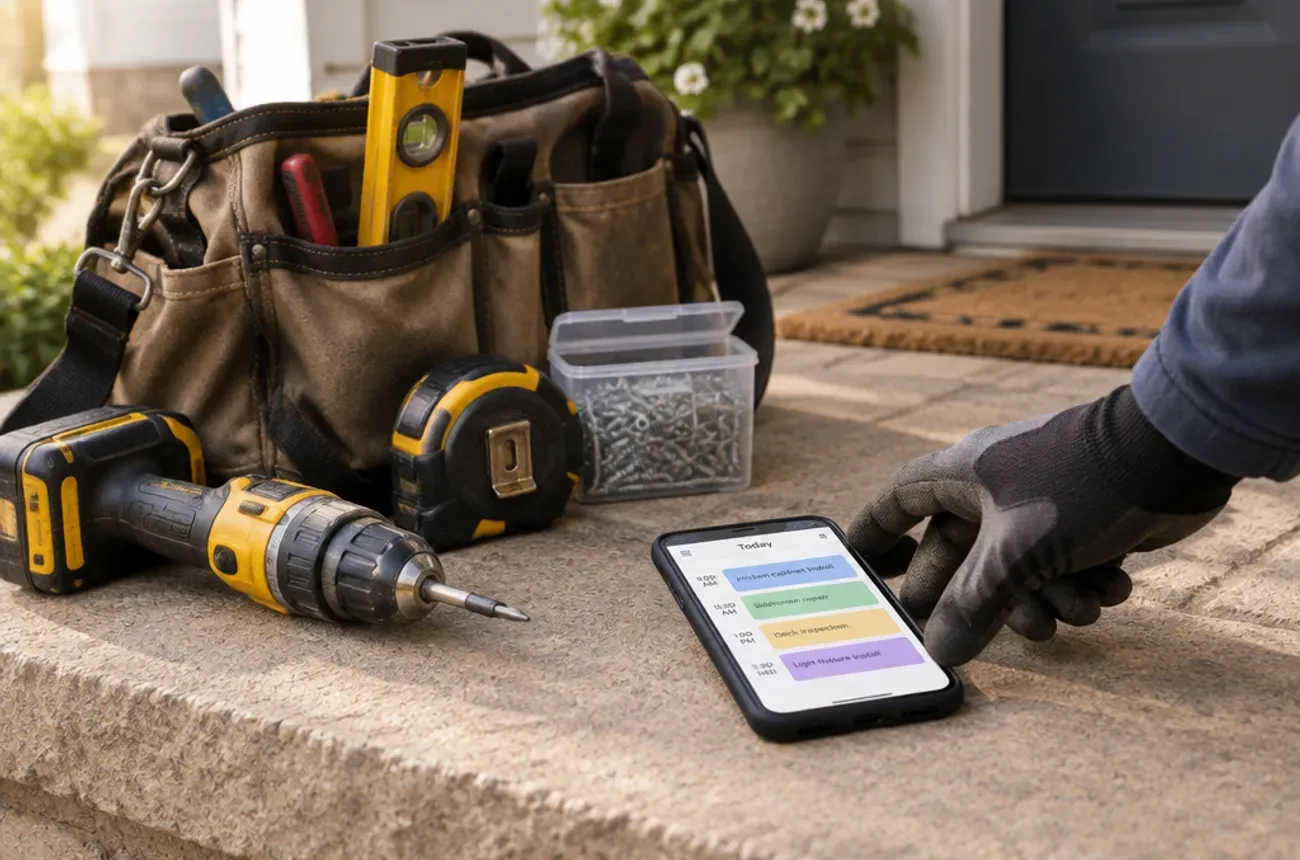
| “What’s happening this week?” | The upcoming schedule: phases, crew days, sub visits, inspections |
| “What do you need from me?” | Open decisions and selections, with due dates |
| “Did you get my approval?” | Change orders and selections waiting for a signature, and ones already signed |
| “What do I owe, and when?” | The payment schedule, invoices, and a way to pay online |
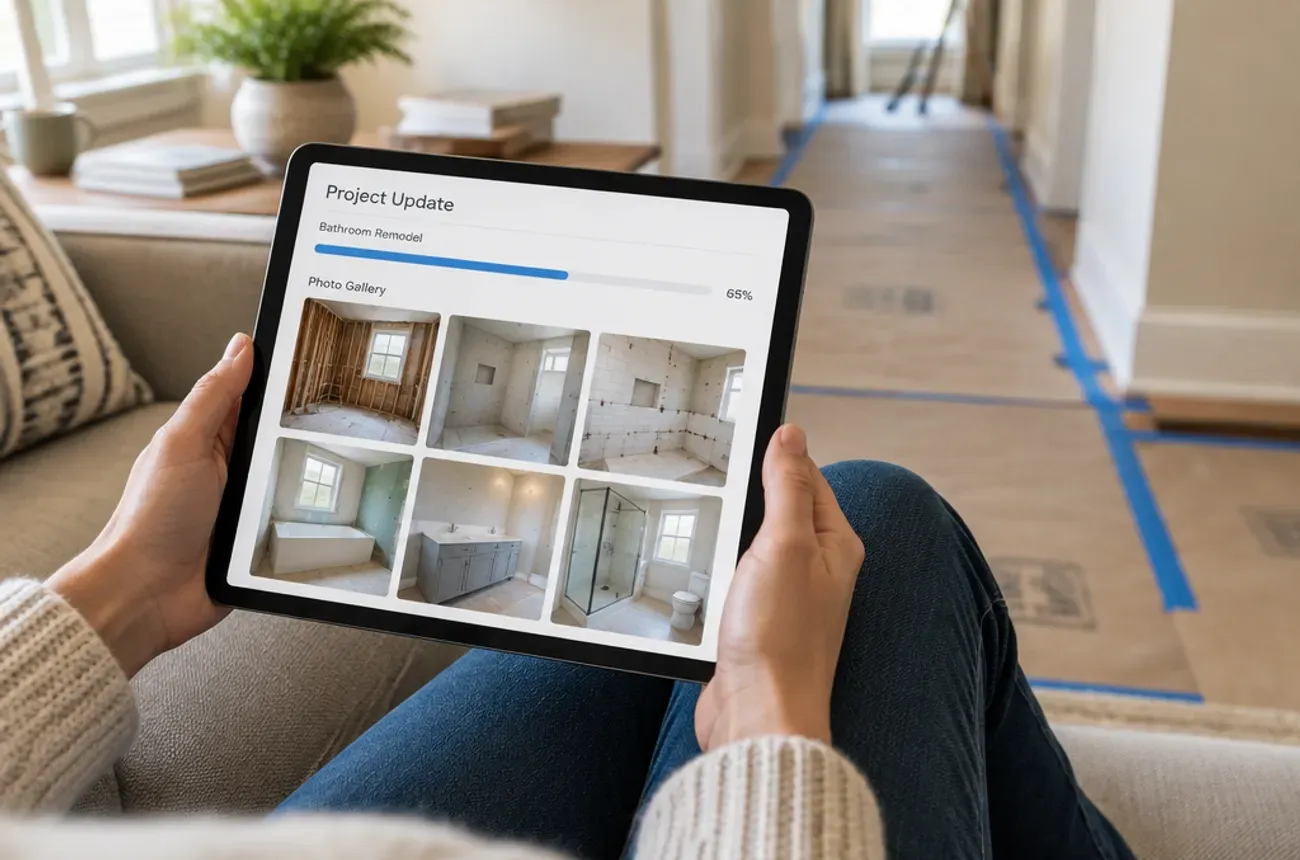
| “How’s it looking?” | Recent photos with short captions |
| “Where’s that document?” | The contract, change orders, warranties, and product information in one place |
What a good portal does
- Approvals in one tap. Selections and change orders signed from a phone, with the price and schedule effect shown before they sign.
- Payments online. The next payment, what it’s for, and a pay button.
- Photo updates. A few photos at the end of key days, not a dump of 200 images.
- A schedule they can read. Plain-language phases and dates, not a Gantt chart.
- Messages tied to the job. So decisions don’t get lost in personal texts.
- No new password to remember. A secure link sent by text or email is easier for most homeowners than another account.
A weekly update routine that cuts the calls
A portal works best with a habit behind it. Every Friday, send each active client a short update:
Hi [Name], here’s your weekly update for the [kitchen]:
This week: cabinets installed, electrical inspection passed.
Next week: countertop template Tuesday, plumbing trim Thursday.
Needed from you: cabinet hardware choice by Wednesday.
Payment: the cabinets-installed payment is ready in your portal.
Photos are in the portal. Have a good weekend.
Five lines, every week, on the same day. Homeowners stop calling because they know when the update is coming.
Rules that keep homeowners calm
- Tell them bad news first, by phone. Then post it in writing.
- Name one point of contact. Homeowners shouldn’t have to guess whether to call the owner, the PM, or the crew lead.
- Set response times. For example, messages answered within one business day.
- Ask for decisions early. Many homeowner-caused delays come from selections asked for too late.
Our guide to construction photo documentation covers which photos to take at each phase.
Where MotionOps fits
MotionOps gives homeowners a customer portal link and keeps the job record behind it, for contractors whose jobs run for days or weeks:
- Customer portal links sent by text or email
- Change orders and proposals signed electronically
- Invoices and online payments
- Photos, checklists, and job notes on each job
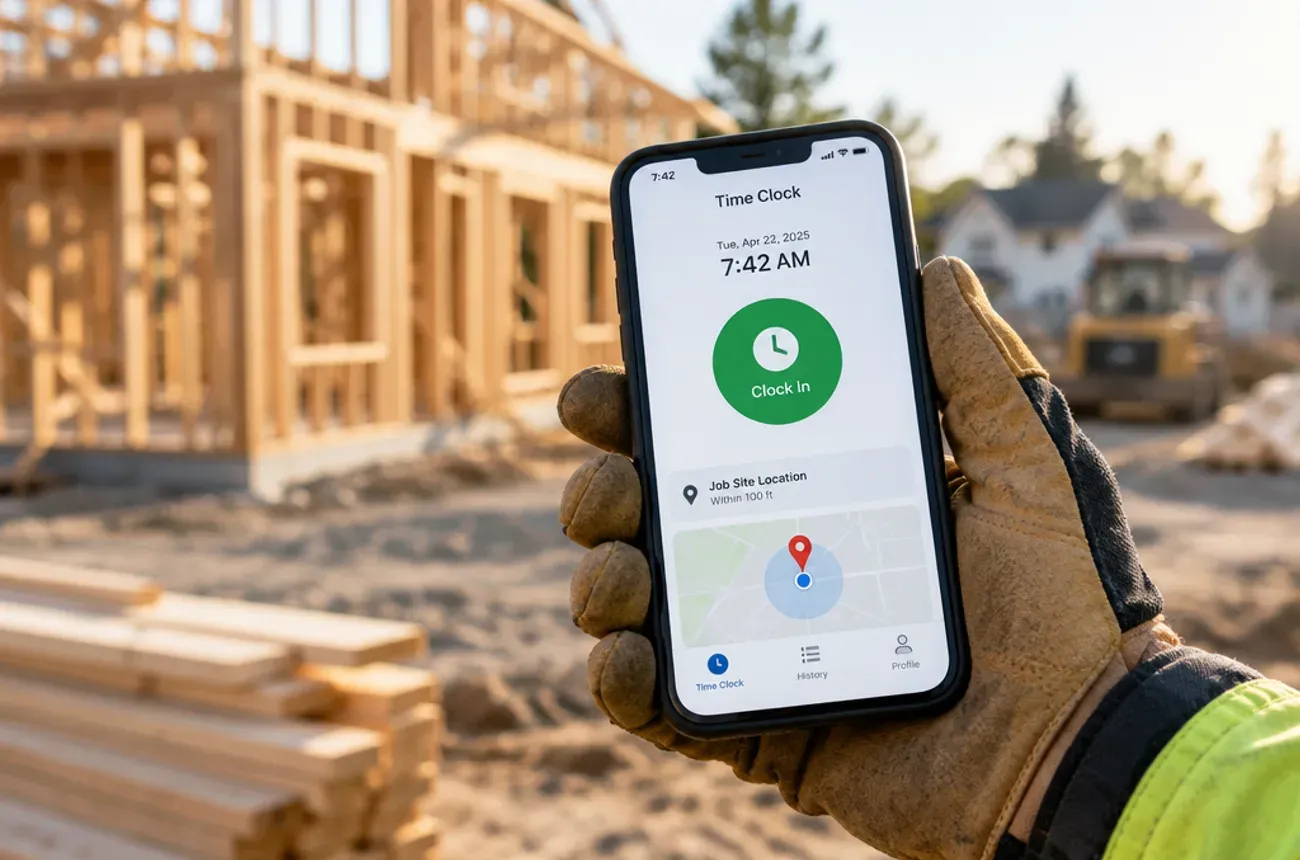
- “On my way” texts and reminders that keep homeowners informed
Try MotionOps free for 14 days and send your first weekly update from it.