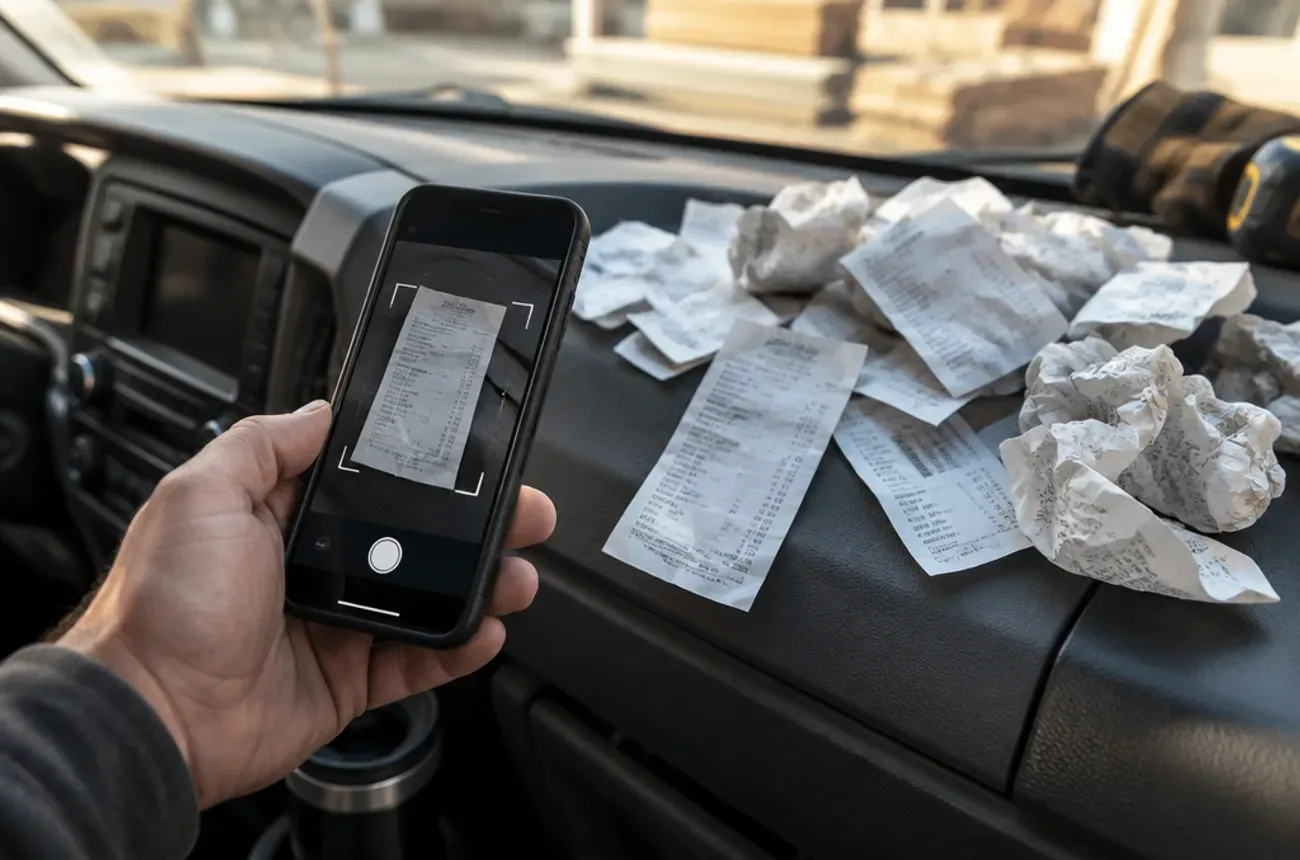
To keep accurate track of receipts and expenses in a construction company, capture every receipt the day it’s spent, tag it to a job and a cost category right away, and reconcile once a week against your card and bank statements. The goal is that no receipt ever lives in a truck, a wallet, or a pocket for more than a day.
Lost and untagged receipts cost you twice: once because the job looks more profitable than it is, and again at tax time when a deduction has no proof behind it. This guide gives you a simple system that works for a crew of two or twenty.
Where expenses get lost
| Where it goes wrong | What it costs you |
|---|---|
| Receipts left in trucks and pockets | Expenses never recorded, or recorded weeks late |
| Card charges with no receipt | Hours of guessing what a charge was for |
| Receipts not tagged to a job | Job costing that understates what jobs really cost |
| Personal and business cards mixed | Sorting time, plus tax risk |
| Materials returned but not credited | Paying for materials the job never used |
| Crew members paying out of pocket | Reimbursements without paperwork, or not at all |
A system that works
1. Capture the same day
Every receipt gets photographed the moment it’s handed over, in the parking lot of the supply house. Paper receipts fade and disappear; a photo taken right away doesn’t. The IRS accepts digital copies of receipts as long as they are legible and complete.
2. Tag it to a job and a category
When the receipt is captured, it gets two tags: the job, and a cost category such as materials, equipment rental, permits, or disposal. Overhead purchases, like shop supplies or a new tool, get tagged as overhead, not to a job.
3. Use business cards, and give crew leads their own
Give each crew lead a business card with a limit instead of having them pay out of pocket. Every charge then shows up on a statement, and you can match it to a receipt.
4. Set up supplier accounts
Trade accounts at your main suppliers put purchases on monthly statements, often with a job name or PO number on each invoice. Ask your crew to give the job name at the counter every time.
5. Reconcile weekly
Once a week, match every card charge to a receipt and every receipt to a job. Chase anything missing while people still remember it.
6. Track returns as credits
When materials go back, the return receipt gets tagged to the same job, so the job’s cost goes down.
A 15-minute weekly routine
- Export last week’s card and bank transactions.
- Match each one to a captured receipt.
- Flag any charge without a receipt and ask the person who made it.
- Check that every job-related receipt has a job tag.
- Compare each active job’s materials spending with its budget.
How long to keep records
The IRS says to keep records that support income and deductions for as long as they may be needed for tax purposes, generally three years from the date you file the return, and longer in some situations. Ask your accountant what applies to your business, and keep digital copies backed up.
Keep expenses connected to jobs
Expense tracking pays off when it feeds job costing. Our guides to construction job costing and QuickBooks for contractors show how tagged expenses turn into job profit reports.
Where MotionOps fits
MotionOps captures expenses where they happen, for contractors whose jobs run for days or weeks:
- Receipts, materials, and expenses logged to the job from the field
- AI expense tracking on the Go plan and above
- Job profitability that includes those costs while the job is still running
- Time tracking by job, so labor and materials land on the same record
Try MotionOps free for 14 days and capture your next receipt in it.