Yes, a small contractor should send automated texts, starting with the ones customers are already waiting for: appointment reminders, “on my way” messages, and payment links. Those save the most phone calls and carry the least risk. Before you turn anything on, make sure your texting number is registered with the carriers and that you have the customer’s permission to text them.
This guide ranks what to automate first, explains 10DLC registration and the consent rules in plain language, shows how missed-call text back works, and gives you templates you can copy.
What to automate first
Start with messages the customer expects and is glad to get. Save anything promotional for later, when your consent records are in order.
| Priority | Message | When it goes out | What it saves you |
|---|---|---|---|
| 1 | Appointment or start-date reminder | The day before | No-shows and “are you still coming?” calls |
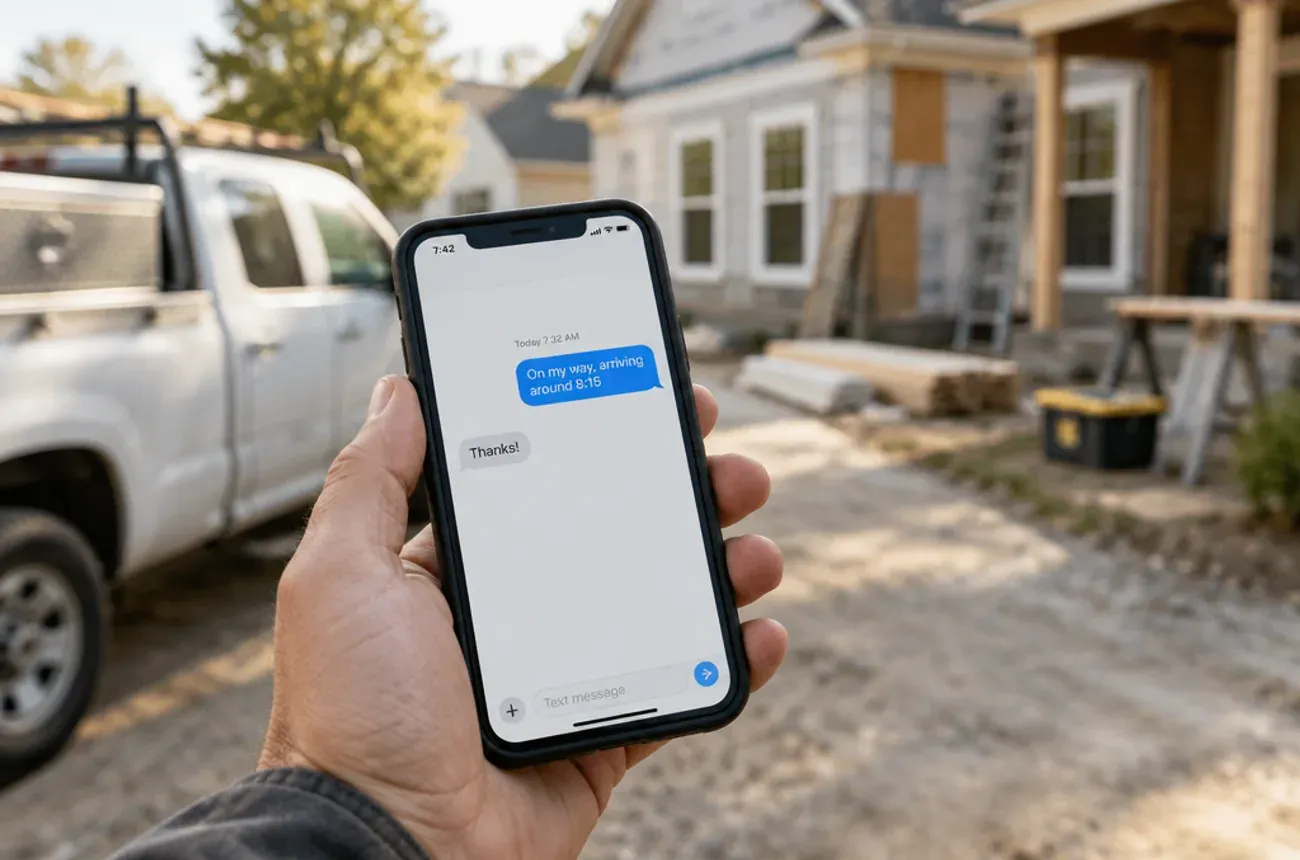
| 2 | “On my way” | When the crew leaves for the job | The customer watching the window |
| 3 | Estimate or proposal follow-up | 2 and 5 days after sending | Proposals that go quiet |
| 4 | Invoice and payment link | When the invoice is sent | Checks, chasing, and slow payments |
| 5 | Payment reminder | When an invoice is due and a few days after | Awkward collection calls |
| 6 | Missed-call text back | Right after a missed call | Leads who call the next contractor |
| 7 | Review request | A day after the final payment | Reviews that never get asked for |
The first five are transactional: they’re about a job the customer already asked for. Review requests and anything that sells something new sit closer to marketing, which carries stricter consent rules (see below).
10DLC registration: why your texts get blocked without it
10DLC stands for 10-digit long code: an ordinary local phone number used to send business texts. US carriers treat texts sent by a business from software as application-to-person (A2P) traffic, and that traffic has to be registered. Since early 2025, carriers block unregistered A2P traffic on 10-digit numbers outright, not just filter it (Telnyx).
Registration goes through The Campaign Registry (TCR), the organization the carriers appointed to vet business senders. You don’t usually deal with TCR directly; your texting provider or field service software submits it for you.
The steps
- Register your brand. Your legal business name, EIN, address, and website.
- Register a campaign. What you’ll send (for example, appointment reminders and customer care), how customers opt in, and sample messages.
- Wait for review. Approval usually takes a few business days.
- Assign your number to the approved campaign, then send a few test messages.
What it costs
Fees are small but real: The Campaign Registry charges $4.50 to register a brand, and campaigns carry a one-time vetting fee plus a monthly fee that varies by provider and use case, usually a few dollars to about $15 a month (Convey fee table; Zavu).
What gets campaigns rejected
- No website, or a website that doesn’t match the business name
- No privacy policy that says how phone numbers are used
- An unclear description of how customers agree to receive texts
- Sample messages that don’t match the use case you registered
Before you sign up for any texting tool, ask whether it handles 10DLC registration for you and what it charges.
Consent and the rules for texting customers
The federal Telephone Consumer Protection Act (TCPA) and the FCC’s rules under it set the baseline. The short version for a contractor:
| Rule | What it means for you |
|---|---|
| Job-related texts need consent | A customer who gives you their mobile number for a job has generally agreed to texts about that job. Say so on your booking form and estimate. |
| Marketing texts need written consent | Promotions, seasonal offers, and “we have openings next month” texts need a clear, signed opt-in, such as a checkbox the customer ticks. |
| Honor opt-outs fast | Since April 11, 2025, replies like STOP, QUIT, END, REVOKE, OPT OUT, CANCEL, or UNSUBSCRIBE, or any other reasonable way of saying no, must be honored within 10 business days (Kelley Drye). |
| One confirmation only | After an opt-out, you may send one text within five minutes confirming it, with no marketing in it. |
| Mind the hours | Federal rules limit sales calls and texts to between 8 a.m. and 9 p.m. in the customer’s time zone, and some states set tighter windows. Keep automated texts inside normal working hours. |
| Identify yourself | Every text should say who it’s from, for example “Miller Remodeling.” |
One part of the FCC’s opt-out rule, which would make a STOP reply to one kind of message apply to every kind, was delayed past April 2025; check its current status with your provider. Several states also have their own texting laws. This section is general information, not legal advice; if you plan marketing texts, have an attorney review your opt-in wording.
Missed-call text back: catch the leads you miss on the roof
When you’re on a ladder or under a sink, calls go to voicemail, and many callers don’t leave one; they call the next contractor. Missed-call text back sends an automatic text to anyone whose call you miss, so the conversation continues by text until you can call back.
How to set it up
- Turn it on only for your business line, the number on your website, truck, and listings.
- Send within a minute of the missed call, while the caller is still looking for help.
- Ask one question that moves the job forward, such as what they need and their address.
- Route replies to a person who answers within business hours.
- Skip known contacts such as suppliers, subs, and family, if your tool allows it.
Template
Hi, this is Miller Remodeling. Sorry we missed your call, we’re on a job site. What can we help with? Reply here or we’ll call you back within the hour. Reply STOP to opt out.
Because the caller reached out first and you’re replying about their request, it is generally treated as a customer-care reply, not marketing. Keep it that way: no promotions in the auto-reply.
Text templates you can copy
Keep every text short, name your business, and include the one link or detail the customer needs. Add “Reply STOP to opt out” to the first automated text a customer receives, and keep it on reminders.
| Message | Template |
|---|---|
| Start-date reminder | Hi [Name], Miller Remodeling here. Reminder: your [kitchen] project starts tomorrow, [date]. Crew arrives between 7:30 and 8:00. Reply STOP to opt out. |
| On my way | Hi [Name], [Tech name] from Miller Remodeling is on the way and should arrive around [time]. |
| Proposal follow-up | Hi [Name], just checking you got the proposal for your [bathroom]. Happy to walk through it by phone. Here’s the link: [link] |
| Change order ready | Hi [Name], the change order for [item] is ready for your signature: [link]. We’ll order the materials as soon as it’s signed. |
| Invoice and payment link | Hi [Name], your invoice for [milestone] is ready: [link]. You can pay by card or bank transfer. Thank you! |
| Payment reminder | Hi [Name], a friendly reminder that the [milestone] payment of $[amount] was due on [date]: [link]. Questions? Reply here. |
| Schedule change | Hi [Name], the [tile] work moves from [day] to [day] because [reason]. Everything else stays on schedule. |
| Review request | Hi [Name], thanks for choosing Miller Remodeling. If you’re happy with the work, a quick review would mean a lot: [link] |
Review requests sit close to marketing. Send them only to customers who agreed to receive texts, and only once.
What not to automate
Automation is for routine messages. Some conversations need a person, a phone call, or both.
- Bad news. A delay, a cost overrun, or damage found on site deserves a call, followed by a text that confirms what you said.
- Disputes and late final payments. An automated reminder in the middle of an argument reads as cold. Call first.
- Price changes. Change orders can go out by text for signature, but explain them in person or by phone before you send the link.
- Promotions to everyone in your contacts. Without written consent for marketing, a blast text is a legal risk and a fast way to get your number flagged.
- Late-night or weekend sends. Even transactional texts land badly at 10 p.m. Schedule them for working hours.
- Long messages. If it takes more than a few lines, it belongs in an email or a call.
A good test: would you be comfortable reading the text out loud to the customer face to face? If not, don’t automate it.
Where MotionOps fits
In September 2026, MotionOps acquired Emitto, a customer communication platform, to build texting into the same system where jobs are scheduled and billed. For contractors whose jobs run for days or weeks, that means:
- Proposals, change orders, and invoices sent by text or email straight from the job
- Reminders and payment follow-ups without copying numbers into a separate app
- “On my way” updates when the crew heads to the job
- Customer portal links so homeowners can see and pay what’s due
- One record of what was sent and when, kept with the job
Try MotionOps free for 14 days and send your first automated reminder from it.