
Garage door software that prices the repair before you touch the spring.
Broken springs, off-track doors, openers and new door installs. MotionOps is garage door software that prices the fix on site from your pricebook, takes the deposit when a new door is ordered and gets every extra repair signed before the work.
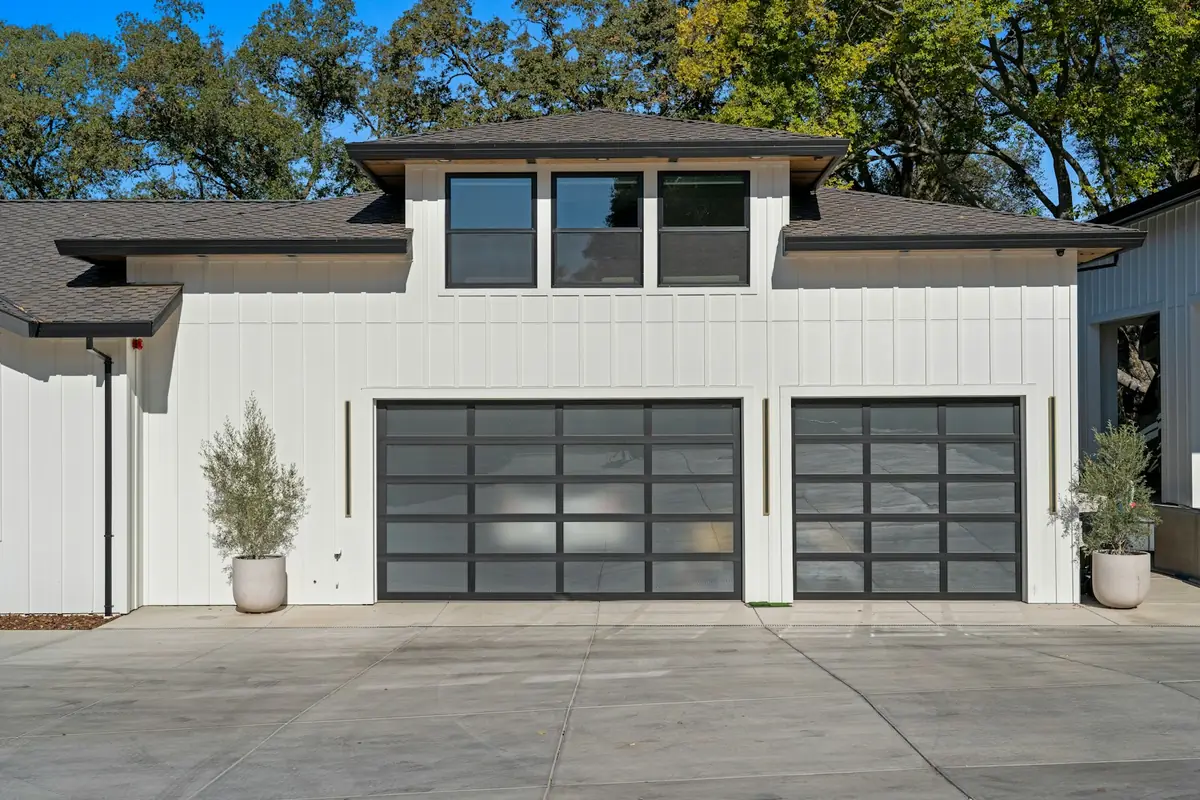
Here's how a door replacement runs in MotionOps.
One double garage door, one opener, two changes. The same four steps run a snapped spring or a three-door commercial job.
- 1
Sign it
A new insulated door and a belt-drive opener from your pricebook, with photos of the old door. Keiko signs on her phone, you sign too, and the 50% deposit is captured before you order the door.
- 2
Change it
With the old door down, Jamal finds the wood header split where the spring anchors. He adds a new anchor pad as a change order with photos, and Keiko signs before he hangs the spring. She keeps her two-year-old opener instead, and that gets signed too.
- 3
Get paid
The deposit came in on approval. Keiko pays the balance by ACH from the payment link the day the door goes up.
- 4
Close it
MotionOps checks hours, parts and payments against the signed scope, then closes the job and syncs it to QuickBooks Online.
Replace double garage door
Nakamura residence · Job #3223
- Proposal signed by both sides
- Both change orders signed
- Reverse test on the install checklist
- Collected matches approved scope
Scheduling is my favorite feature of MotionOps. It's so easy to see who's available quickly and assign jobs, which saves us hours every single day. We love how you can make draft appointments and when you're happy with the routes, publish all those appointments and the people on the field get notified about the updates.


Switching from something else?
Already on another app for your door jobs? See how MotionOps compares, feature by feature, with what each tool does well. All comparisons
Pricebook, scheduling and what a smaller door company actually needs, side by side.
MotionOps vs ServiceTitanSpring repairs, door installs and payments, side by side.
MotionOps vs Housecall ProSame-day repairs, payments on site and onboarding, side by side.
MotionOps vs WorkizEstimates with options, deposits and change orders, side by side.
MotionOps vs FieldPulseWhat switching takes
- A call about your businessTell us how you run a garage door job today. A real person shows you MotionOps on one of your own jobs.
- Your lists, brought overWe help you move your customers and your pricebook.
- Your next job in MotionOpsPrice the repair, order the door, get paid and close it, with someone setting you up.
Questions garage door companies ask us.
Short answers here. Call us for the long ones.
Yes. Build the estimate from your pricebook with options like standard or high-cycle springs, new rollers or a tune-up. The homeowner picks on the tech's phone and signs before the work starts.
Yes. Capture the deposit when the proposal is approved, by card or ACH, and order the door with the money in. Cards are 2.9% + $0.30 per transaction (Amex 3.2% + $0.30). ACH bank payments are 1%, or 0.5% at $20,000 and up.
Your tech adds it as a change order with photos and items from your pricebook. The homeowner signs on the tech's phone or from a link, and the new price is on the job before the work.
Yes. Put both installers on the visit and publish it, and they're notified. Each one clocks in with GPS, their hours land on the job and on timesheets you approve, and the homeowner gets an On My Way text.
A job waiver records it with photos, like safety sensors that don't reverse the door, and the homeowner signs it on the tech's phone. The signed waiver stays on the job.
Yes, with QuickBooks Online (sold separately). MotionOps syncs clients, products and services, invoices, payments, refunds, tips and payouts. You choose what syncs, drafts stay out, and a sync log shows every change.
See MotionOps run
a job from your trade.
Bring one of your own jobs. We'll run it from signed to closed and paid.
Rather talk now? (855) 739-1133