
You can’t fake a review count, but you can have everything else a careful customer looks for ready before your first job: photos of real work, experience described accurately, your license and insurance, and a clear written process. By the end of this lesson you’ll have a one-page proof sheet to send with every estimate, a photo permission message, and a review request that follows the FTC’s and Google’s rules.
This lesson summarizes FTC and Google rules in plain words. It isn’t legal advice. If you’re unsure whether something you want to do with reviews or testimonials is allowed, ask an attorney.
What you can show from day one
Put each of these where a customer will see it: your website, your Google Business Profile, your estimate.
| What a careful customer checks | What you can show before your first job |
|---|---|
| A real business | Your business name, phone number and service area, the same everywhere |
| Permission to do the work | Your license number, if your trade is licensed in your state |
| Protection if something goes wrong | A certificate of insurance, sent on request |
| Work like theirs | Photos of jobs you did, with permission |
| A clear process | A written estimate with scope, exclusions and payment terms |
| Other people’s experience | Reviews, once you have them |
Only the last row needs time.
Describe your experience accurately
Your years in the trade count, even if they were on someone else’s crew. What doesn’t hold up is presenting your old employer’s work as your own business’s work.
| Accurate | Misleading |
|---|---|
| “12 years as a plumber, the last 6 as a lead service tech for a regional company” | “12 years in business” |
| “Photos of jobs I led at my previous company” (with their permission) | Photos of an old employer’s jobs captioned as your company’s work |
| “Licensed in [state], license #123456” | A license number that belongs to someone else, or “licensed” when your trade isn’t |
| “EPA Section 608 certified” or “[manufacturer] certified installer, 2021” | “Certified” with no detail |
Write three proof points about yourself, each one true and checkable: years and type of experience, one license or certification, one specialty.
Get photos you’re allowed to use
- Photograph every job from now on, before, during and after, from the same spots.
- Ask before you publish. Ask at the end of the job, and keep the customer’s answer in writing.
A message you can adapt:
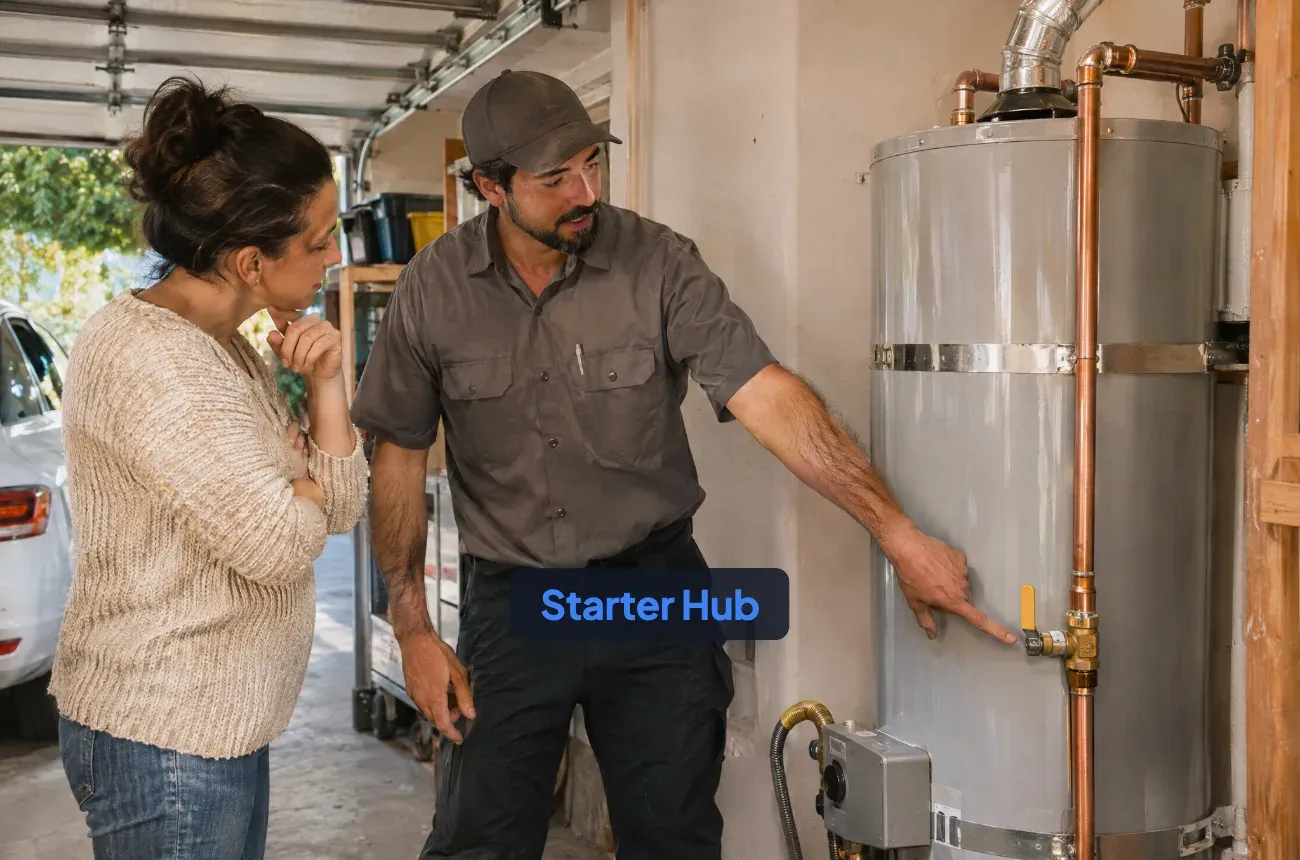
“Thanks again for having me on the water heater job. Would you be OK with me using a few photos of the finished install on my website and Google profile? No address, no faces, nothing personal in the shot. Just reply yes or no; either answer is completely fine.”
For older work done for an employer, ask the employer before you use those photos, and caption them honestly. How to turn job photos into marketing assets covers taking and using them.
Get your credentials ready to send
- License: if your trade is licensed in your state, put the license number on your estimates and website. Customers can look it up on your state licensing board’s website; search “[your state] contractor license lookup” and check that your record shows the right name and status. Ask the board whether you must also show the number on ads, contracts or your vehicle.
- Insurance: ask your agent for a certificate of insurance (COI): a one-page summary of your policies, their limits and dates. Ask how fast they can issue one, and whether they can name a customer or property manager as the certificate holder when asked. Don’t post your policy online; send the certificate on request.
- Business details: the same business name, phone and service area on your website, Google profile, estimates and invoices.
Build a one-page proof sheet
Attach one page to every estimate. It answers the questions a customer would otherwise have to ask:
- Your offer in one sentence (from the services and ideal customer lesson).
- Three proof points: experience, license or certification, specialty.
- Three to six photos of work like theirs, with permission.
- License number and “Certificate of insurance available on request.”
- How the job works: estimate, deposit if any, scheduling, the work, cleanup, final walkthrough, invoice.
- Reviews, once you have them. Until then, leave the section out instead of filling it with anything that isn’t a real customer’s words.
Ask every customer for a review, the right way
Two sets of rules apply: the FTC’s, and the rules of the site where the review appears. For Google reviews, Google’s are stricter.
| Rule | Source | What it means for you |
|---|---|---|
| Don’t misrepresent a reviewer’s experience | FTC | No fake reviews, no reviews from people who didn’t use your service |
| Incentives can’t require a positive review | FTC | The FTC says its rule doesn’t prohibit incentives for reviews “as long as there isn’t an express or implied requirement that the reviews have to express a particular sentiment” |
| No incentives at all for Google reviews | Google prohibits offering incentives “such as payment, discounts, free goods and/or services” for reviews | |
| Ask everyone, not only happy customers | Google, FTC | Google prohibits businesses that “selectively solicit positive reviews from customers”. The FTC says asking only customers you expect to be happy “could violate the FTC Act” |
| Family and employees | Google, FTC | Google treats reviews based on a conflict of interest, which it says may include current or former employment, as rating manipulation. The FTC allows reviews from family and employees only if they “clearly and conspicuously disclose their relationship”. For Google, the simplest rule: don’t ask them |
| Don’t pressure or threaten reviewers | FTC | No intimidation, no unfounded or groundless legal threats, and no false accusations to get a review removed |
The simple version: ask every customer, offer nothing in return, don’t ask family or workers, and never pressure anyone.
Ask at the final walkthrough with a neutral request, the same words for every customer:
“Would you leave an honest Google review? It really helps a small business like mine. I’ll text you the link.”
Text the link from your Google Business Profile the same day, and send one reminder a week later at most. How to get more Google reviews as a contractor has more ways to make asking a habit.
Answer every review, including the bad ones
A calm, specific reply shows the next customer how you handle problems. Keep it short: thank them, state what happened without arguing, say what you did or will do, and offer to talk offline.
“Thanks for the feedback, Maria. You’re right that we finished a day later than planned, and I should have called you that morning instead of texting. I’ve changed how I handle schedule changes. I’d be glad to talk if there’s anything else I can do.”
If you think a review breaks Google’s policies, you can report it to Google. Don’t accuse the reviewer of lying in your reply, and never threaten anyone over a review.
Your next action
This week:
- Write three true, checkable proof points about your experience and credentials.
- Ask your agent for a certificate of insurance and check your license record online.
- Ask your last three customers (or your old employer) for permission to use photos, with the message above.
- Put your proof sheet together and save it as a PDF you can attach to estimates.
- Save your Google review link and the review request text on your phone.
FAQ
How do I get customers with no reviews?
Show what you can prove: photos of real work (with permission), your experience described accurately, your license number if your trade is licensed, a certificate of insurance on request, and a clear written estimate. A one-page proof sheet puts all of it in front of the customer. Then ask every customer for a review after the job.
Can I offer a discount for a review?
Not for Google reviews: Google prohibits incentives such as payment, discounts, free goods or services. The FTC’s rule allows incentives in general only if they don’t require a positive review. The safest approach is to ask every customer and offer nothing in return.
Can I use photos from jobs I did for my old employer?
Only with the employer’s permission, and caption them honestly, for example “jobs I led at my previous company.” Don’t present them as your own company’s jobs.
Make the professional details automatic in MotionOps
MotionOps is field service software for contractors. Job Photos & Videos keeps the before and after shots with each job, Field Proposals send customers a clear written proposal to approve, and Digital Business Cards share your details the same way every time.
See all features or compare plans. When you’re ready for your first jobs, book a MotionOps demo.
Contractor Starter Hub: Get Your First Customers, lesson 3 of 5
- Previous lesson: Local SEO for Contractors: How to Get Found When Prospects Search
- Next lesson: How to Get Referrals as a New Contractor: Your Network, Local Partners and Outreach
- Download for this lesson: Proof Sheet Template (PDF)
- All five lessons: Get Your First Customers