
Junk removal software that gets the bigger load signed before you lift it.
Garage and estate cleanouts, furniture and appliance pickups, and light demolition. MotionOps is junk removal software that prices by the load from your pricebook, gets the extra load or the appliance fee signed before your crew lifts it, and collects before the truck pulls away.
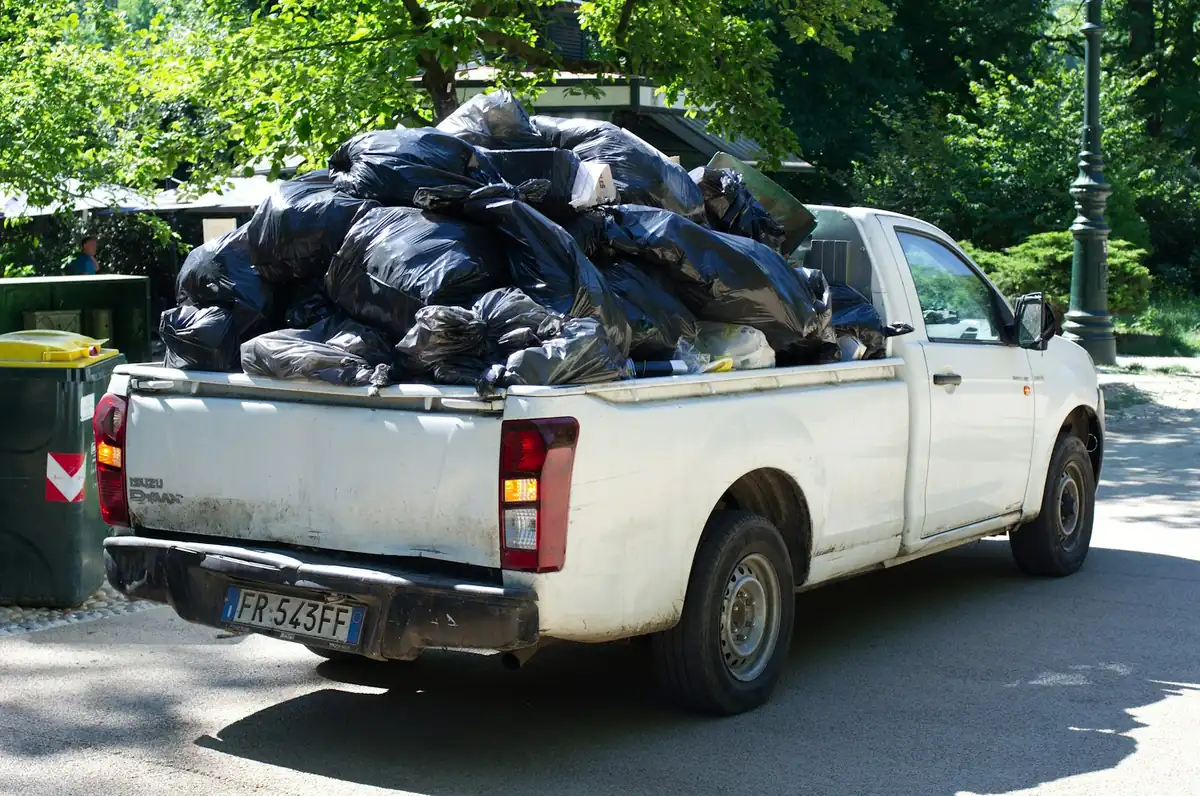
Here's how a garage cleanout runs in MotionOps.
One garage, one truck, one load bigger than the photos. The same four steps run a single couch or a whole estate.
- 1
Sign it
DeShawn prices a half load and the freezer fee from your pricebook, with photos of the garage. Gloria signs on his phone, and you sign too.
- 2
Change it
Then Gloria opens the attic over the garage. DeShawn upgrades to a three-quarter load with photos, and she signs before the crew carries a box. Her son takes the freezer, so that fee comes off. Both changes are signed.
- 3
Get paid
Gloria pays by card from a payment link before the truck pulls away. The crew gets to the next job with this one already paid.
- 4
Close it
MotionOps checks the crew's hours, the changes and the payment against the signed scope. Then it closes the job and syncs it to QuickBooks Online.
Garage cleanout
Bianchi residence · Job #3221
- Estimate signed by both sides
- Both changes signed
- Before and after photos of the garage
- Collected matches approved scope
Scheduling is my favorite feature of MotionOps. It's so easy to see who's available quickly and assign jobs, which saves us hours every single day. We love how you can make draft appointments and when you're happy with the routes, publish all those appointments and the people on the field get notified about the updates.


Switching from something else?
Already on another app for your junk removal jobs? See how MotionOps compares, feature by feature, with what each tool does well. All comparisons
On-site quotes, upsells and getting paid, side by side.
MotionOps vs WorkizEstimates, crews in the field and payments, side by side.
MotionOps vs Housecall ProQuotes, scheduling and the crew app, side by side.
MotionOps vs JobberJobs, invoicing and setup for a smaller crew, side by side.
MotionOps vs Service FusionWhat switching takes
- A call about your businessTell us how you run a junk removal job today. A real person shows you MotionOps on one of your own jobs.
- Your lists, brought overWe help you move your customers and your pricebook.
- Your next job in MotionOpsPrice the load, change it, get paid and close it, with someone setting you up.
Questions junk removal companies ask us.
Short answers here. Call us for the long ones.
Yes. Put quarter, half and full loads in your pricebook, plus fees for mattresses, tires or appliances. Build the quote with photos of the pile, and the customer signs before the crew loads anything.
Your crew starts a change order on site, with photos and the bigger load from your pricebook. The customer signs on the crew's phone, and the new price is on the job before the truck is loaded.
Yes. Send a payment link by text and the customer pays by card or ACH while the crew ties down the load. Cards are 2.9% + $0.30 per transaction (Amex 3.2% + $0.30). ACH bank payments are 1%, or 0.5% at $20,000 and up.
Yes. Put two or more people on each visit and spread a big cleanout across several days. Each one clocks in with GPS, with Work, Break and Driving time, and their hours land on the job and on timesheets you approve.
Yes. Make it a recurring job with a pickup every week or every month. Invoice after each visit or monthly, and auto-charge the card or bank account on file.
Yes, with QuickBooks Online (sold separately). MotionOps syncs clients, products and services, invoices, payments, refunds, tips and payouts. You choose what syncs, drafts stay out, and a sync log shows every change.
See MotionOps run
a job from your trade.
Bring one of your own jobs. We'll run it from signed to closed and paid.
Rather talk now? (855) 739-1133